 OBS
OBS
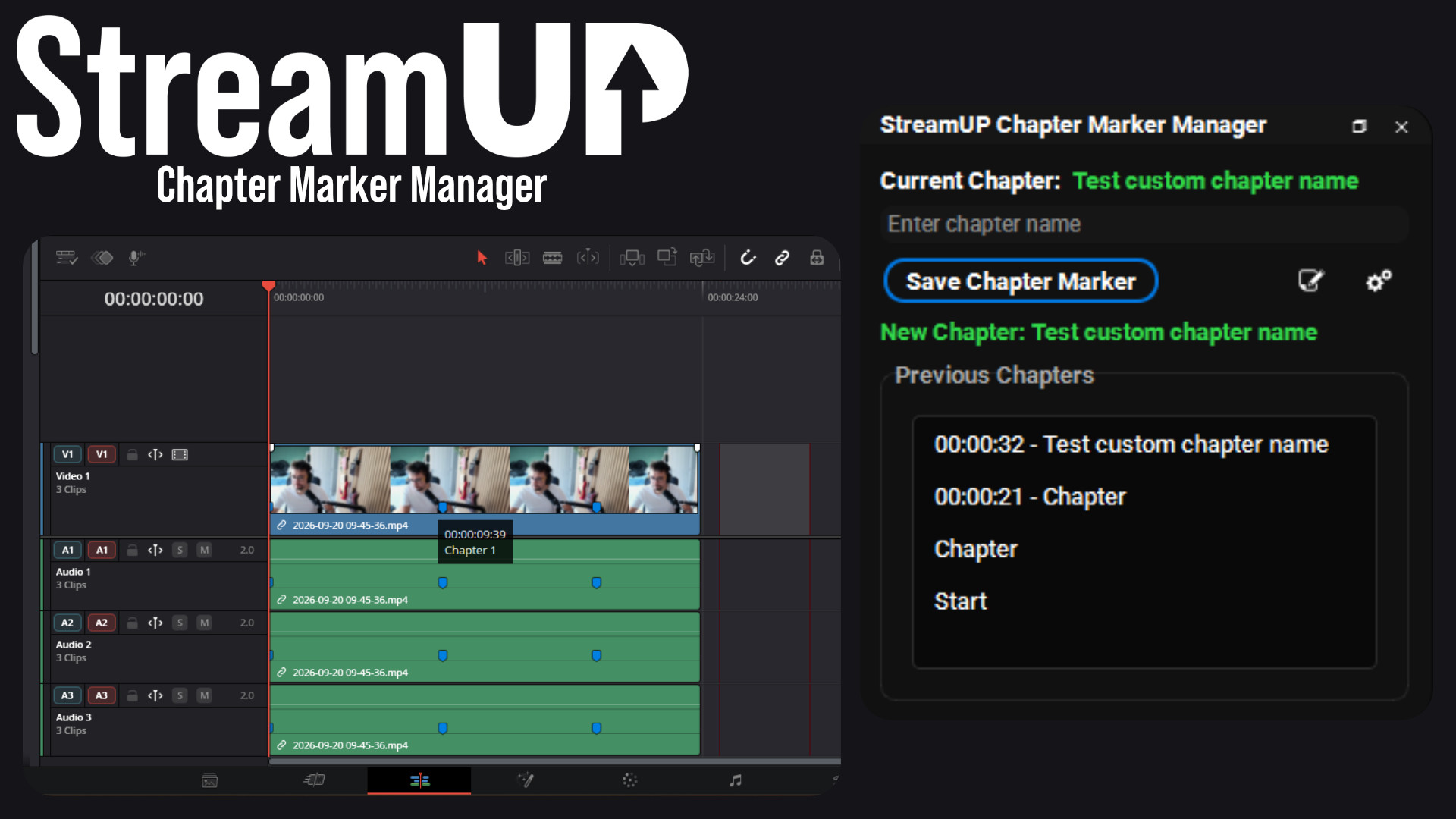
Chapter Marker Manager
Mark the good bits while you record, and find them waiting on your editing timeline.
Use any OBS scene as your transition, so the switch looks like something you made.
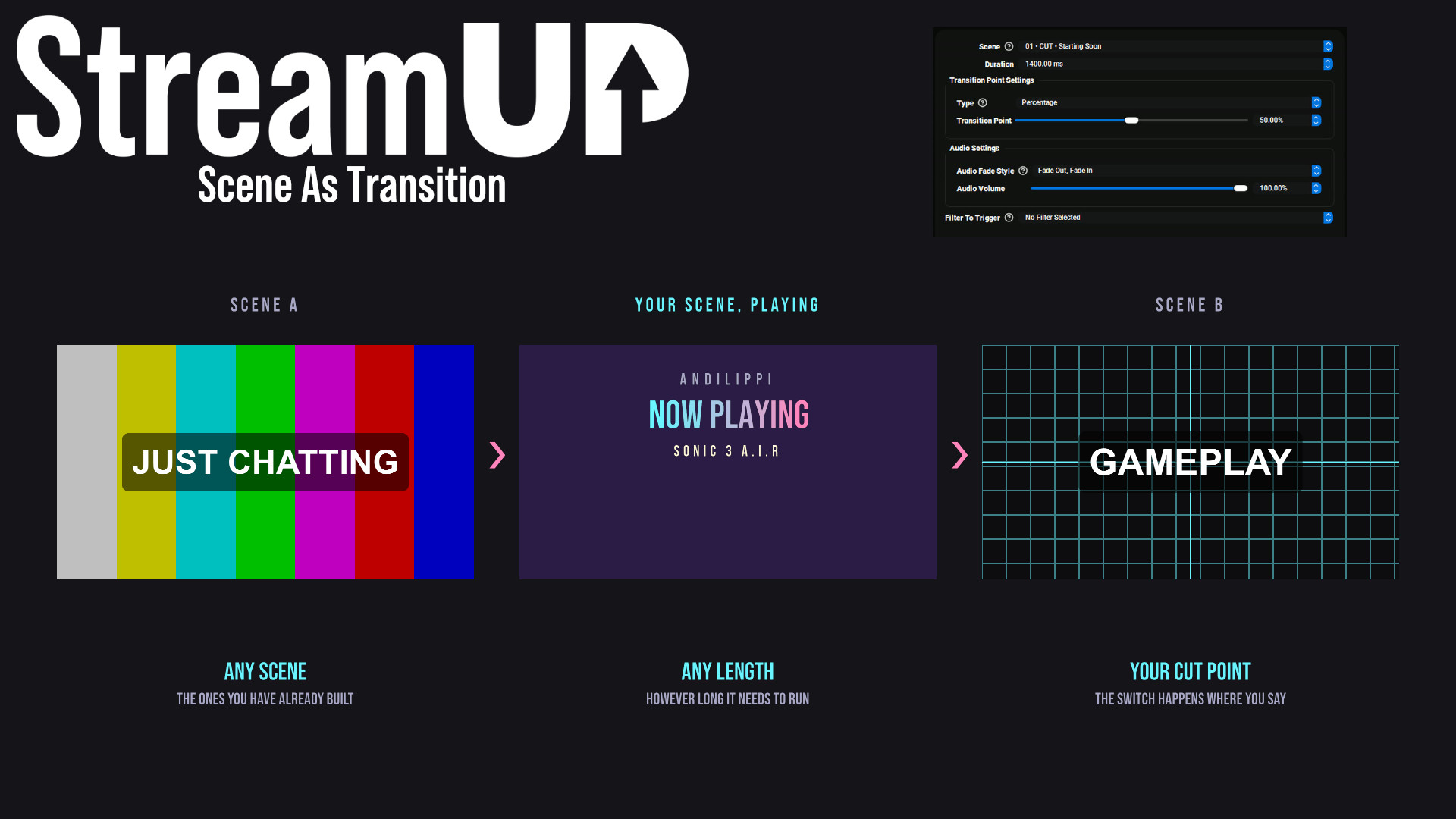
OBS gives you fade, cut and a stinger. That is the whole list.
This lets you use a whole scene as the transition instead. Whatever you put in that scene is what plays when you switch: your own artwork, a video, moving sources, a logo that flies across and back. Build it the way you build any other scene, then pick it as your transition.
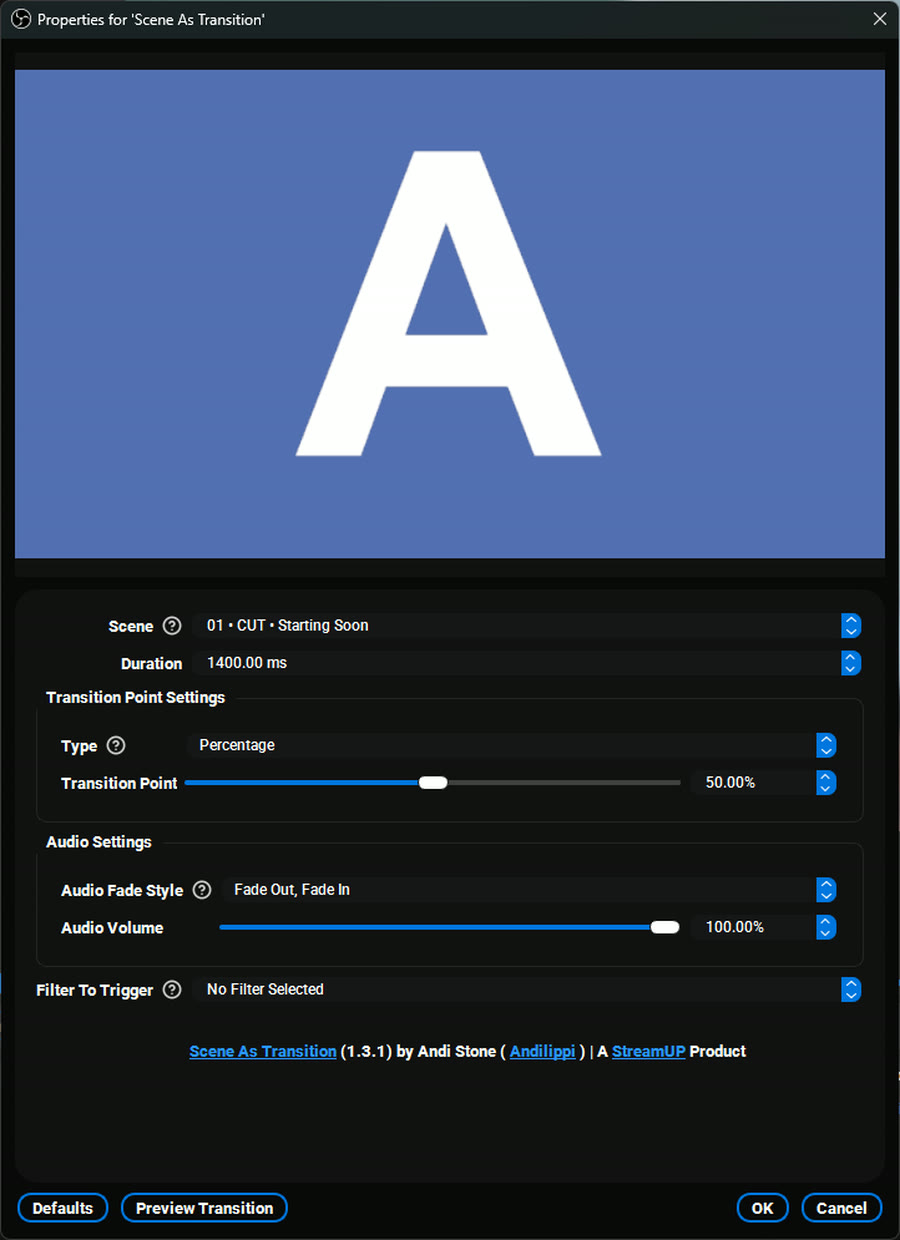
Pick the scene, set how long it runs, and set the point in the middle where the actual switch happens. Then choose how the audio behaves and, if your transition is animated, which filter to fire when it starts.
Preview Transition plays it there and then, so you can get the timing right without going live to find out.
There is nothing special to learn. Make a scene, put whatever you want in it, and choose it as your transition. Colour, artwork, a video, a stinger you already own, a logo animated with Move Transition: if it works in a scene, it works here.
Because it is a normal scene, you can change it whenever you like without touching any transition settings.
Put a text source in the transition scene and have Streamer.Bot write to it, and the transition can name the scene you are heading to, the game you are about to play, or who just raided you.
The switch happens behind it, so the viewer sees a deliberate piece of your stream rather than a cut.
Fixed audio not outputting correctly after an OBS restart
It installs into OBS and runs there. Nothing to sign into, nothing to keep open alongside it. Questions, ideas or something not working? We are in the Discord.
Everything else we build for OBS Studio. Each one its own download, with its own page.
OBS
Mark the good bits while you record, and find them waiting on your editing timeline.
OBS
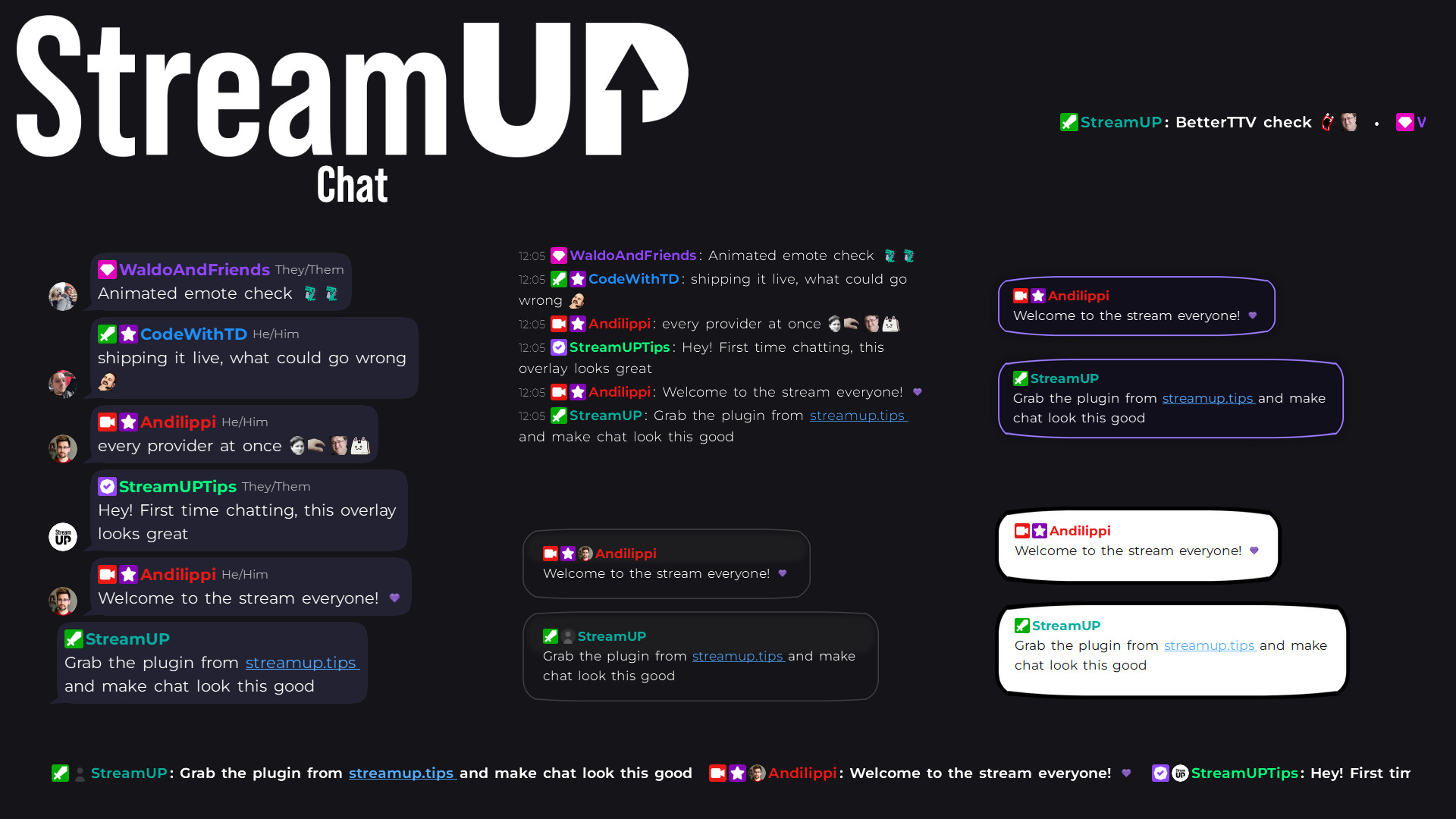
Your Twitch chat on stream in seconds, styled however you like, straight inside OBS.
OBS
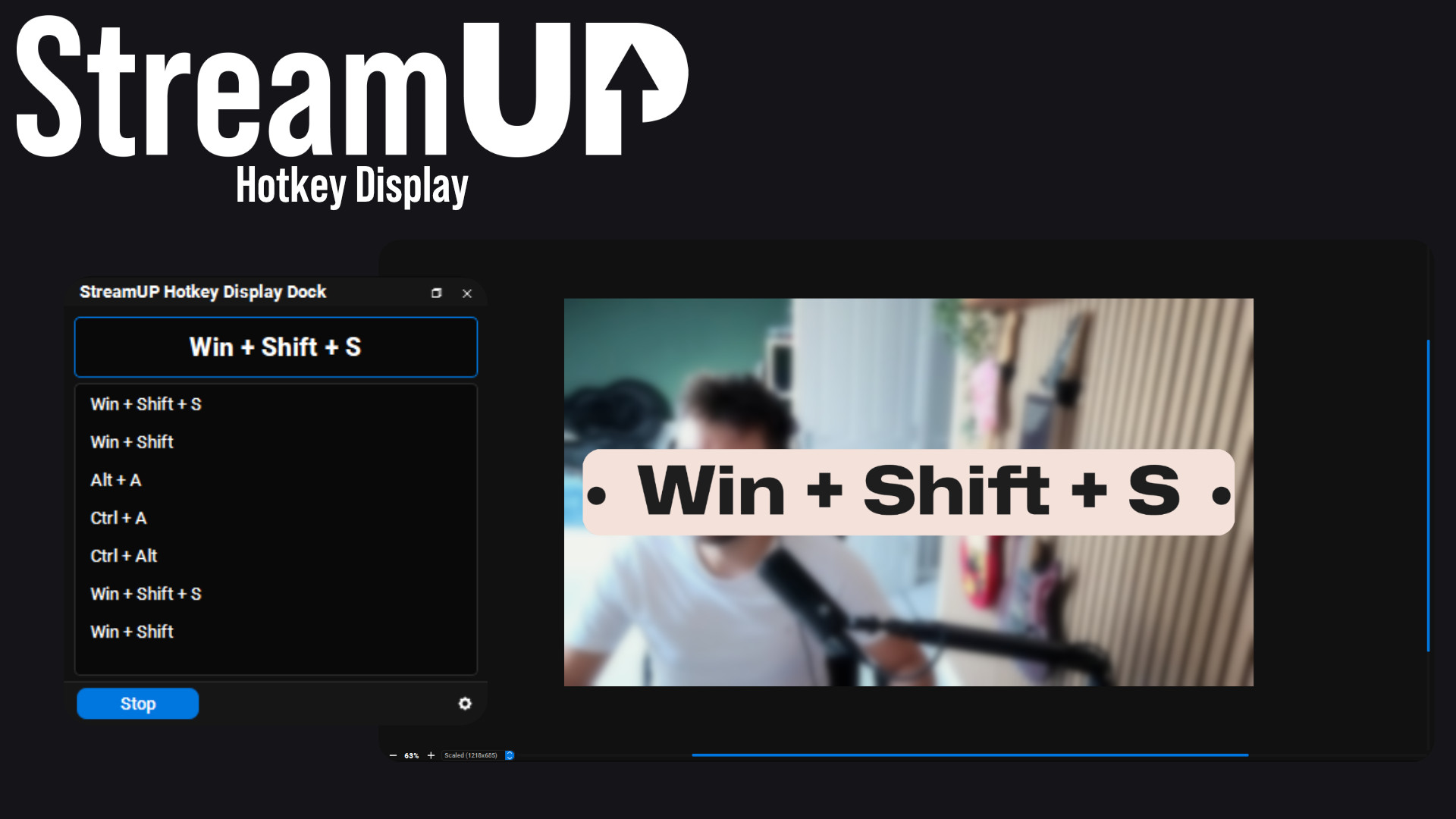
Show the keyboard shortcut you just pressed, in OBS and on screen for your viewers.
OBS
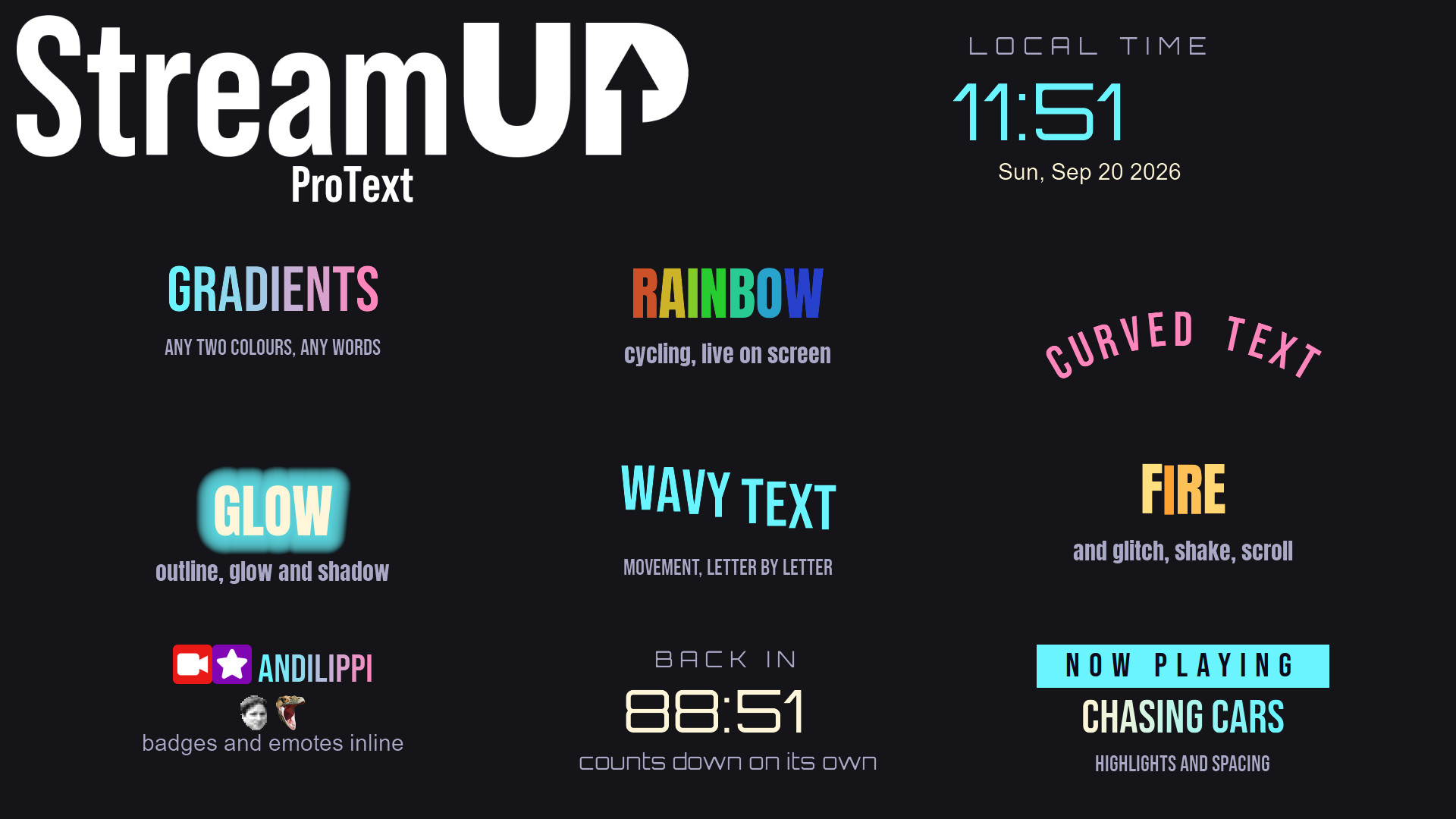
Text in OBS with gradients, glows, emotes and countdowns, from tags you type yourself.
OBS
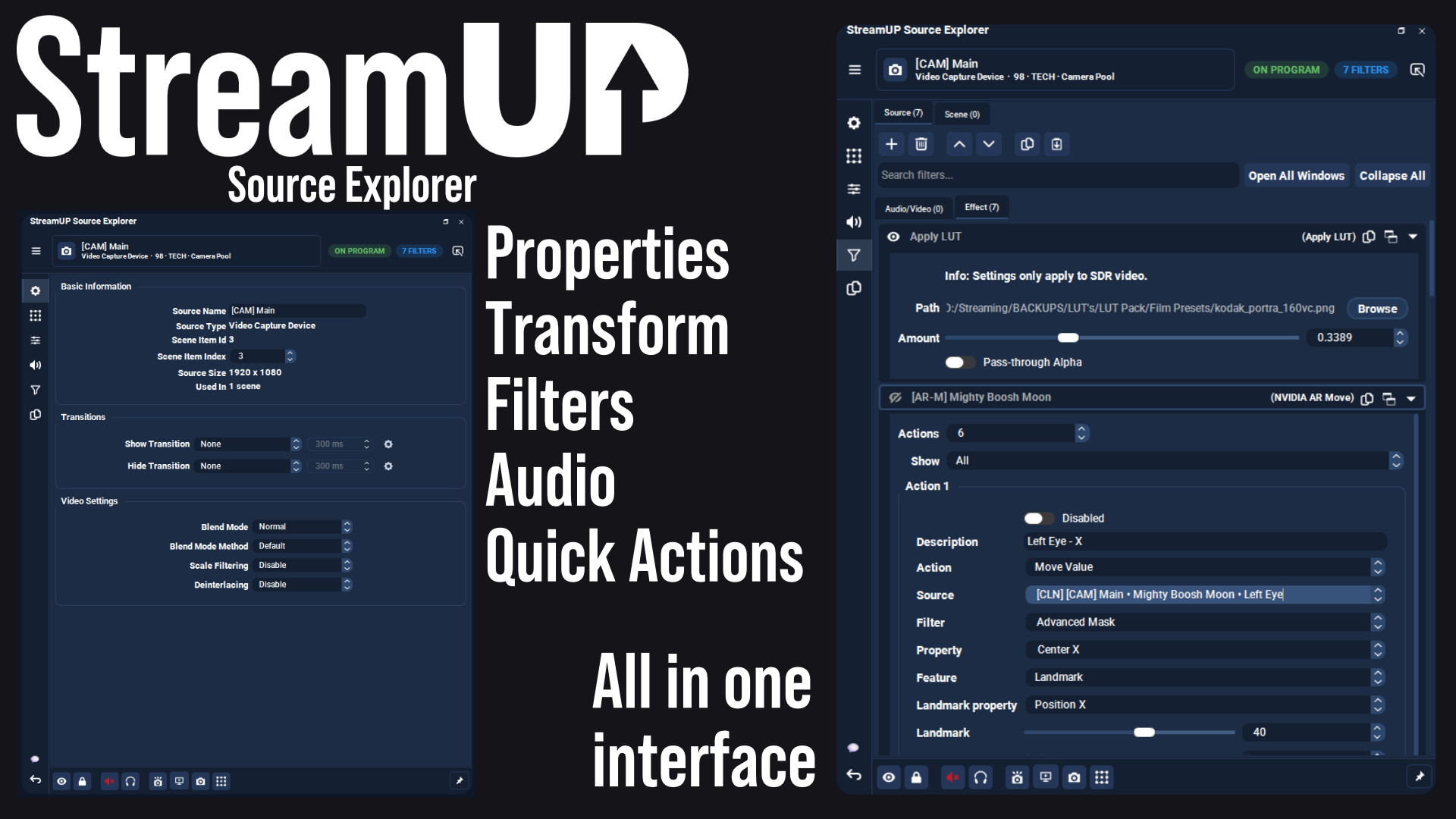
Every setting for any OBS source in one dock, and the command to change it on your clipboard.
OBS
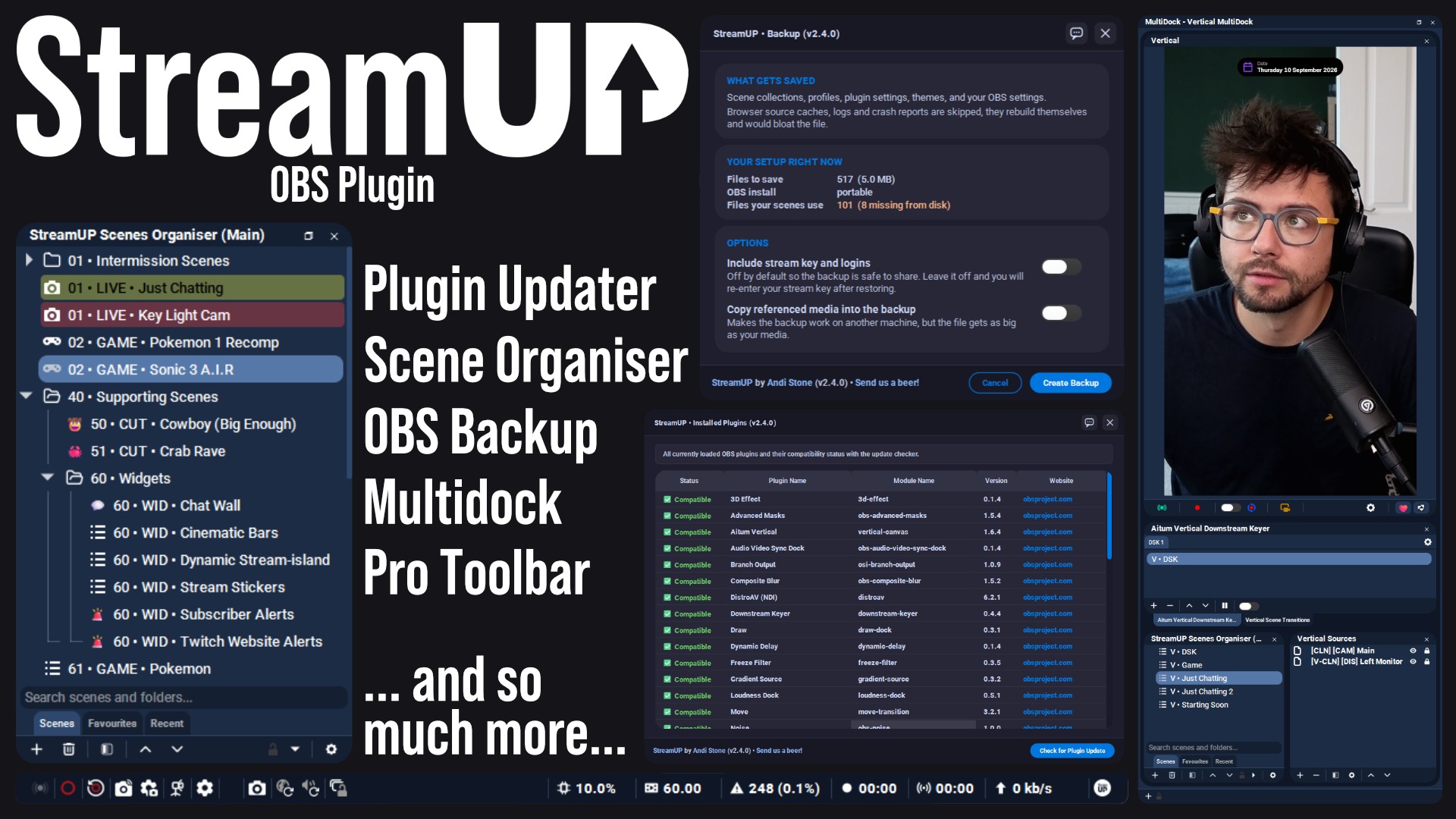
The plugin the rest of StreamUP is built on, with the tools OBS leaves out.
 Streamer.bot
OBS
Streamer.bot
OBS

Every StreamUP OBS plugin command as a Streamer.Bot action, ready for a hotkey or a button.
OBS
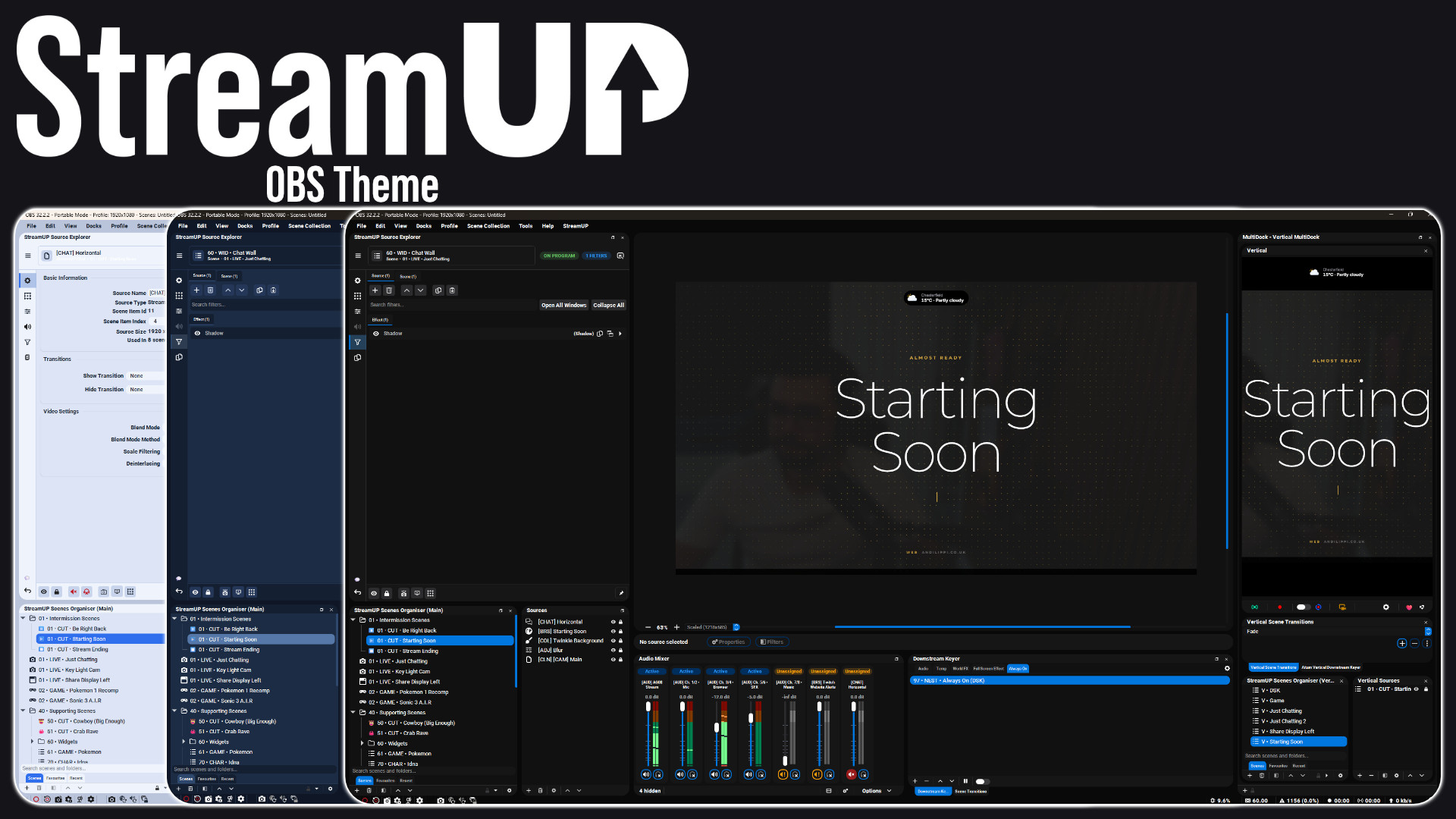
A full redesign of the OBS interface: panels, docks, toolbars and dialogs.
OBS
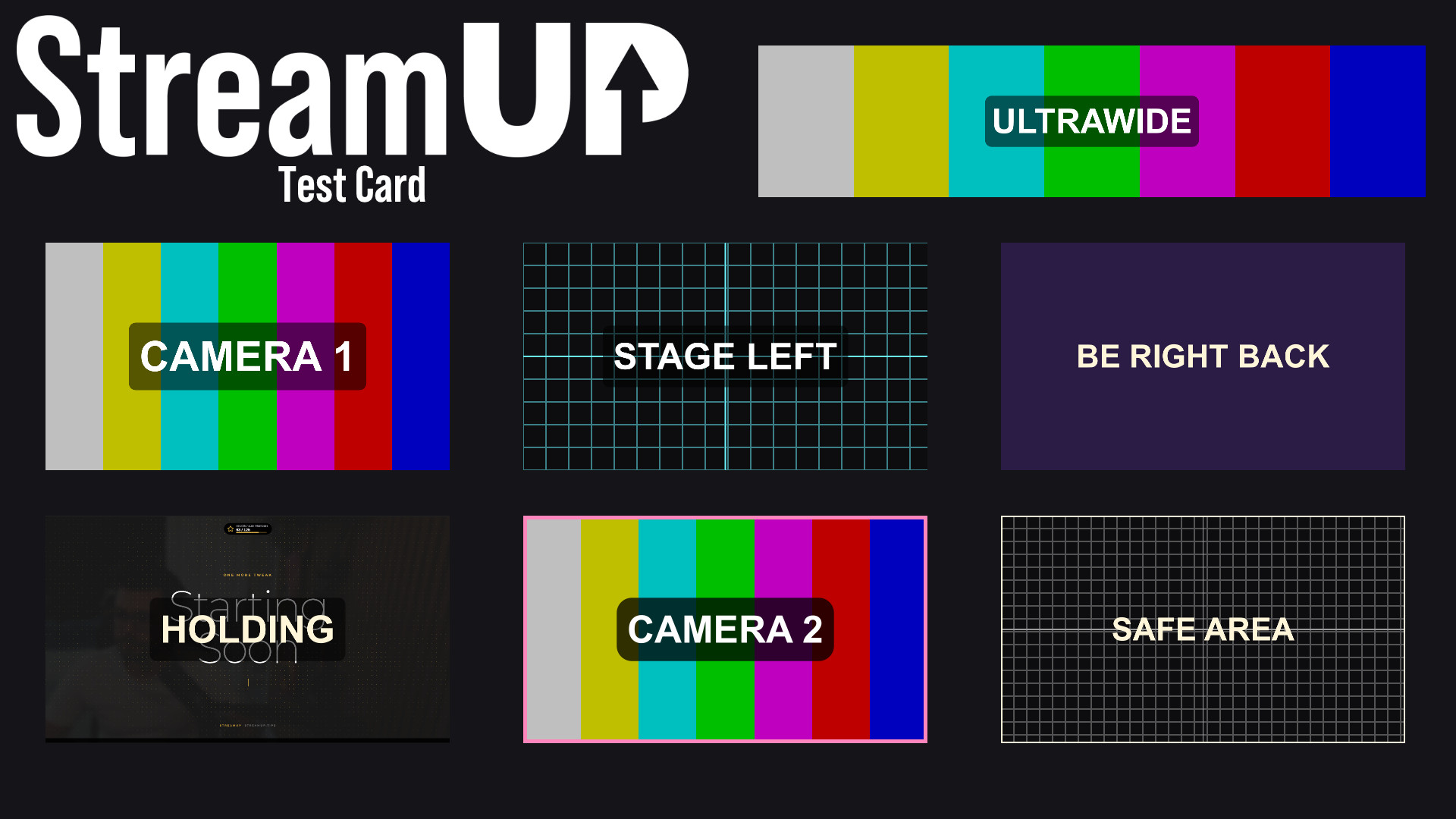
Turn any source into a labelled test card, so you can build a scene before the camera exists.