 OBS
OBS
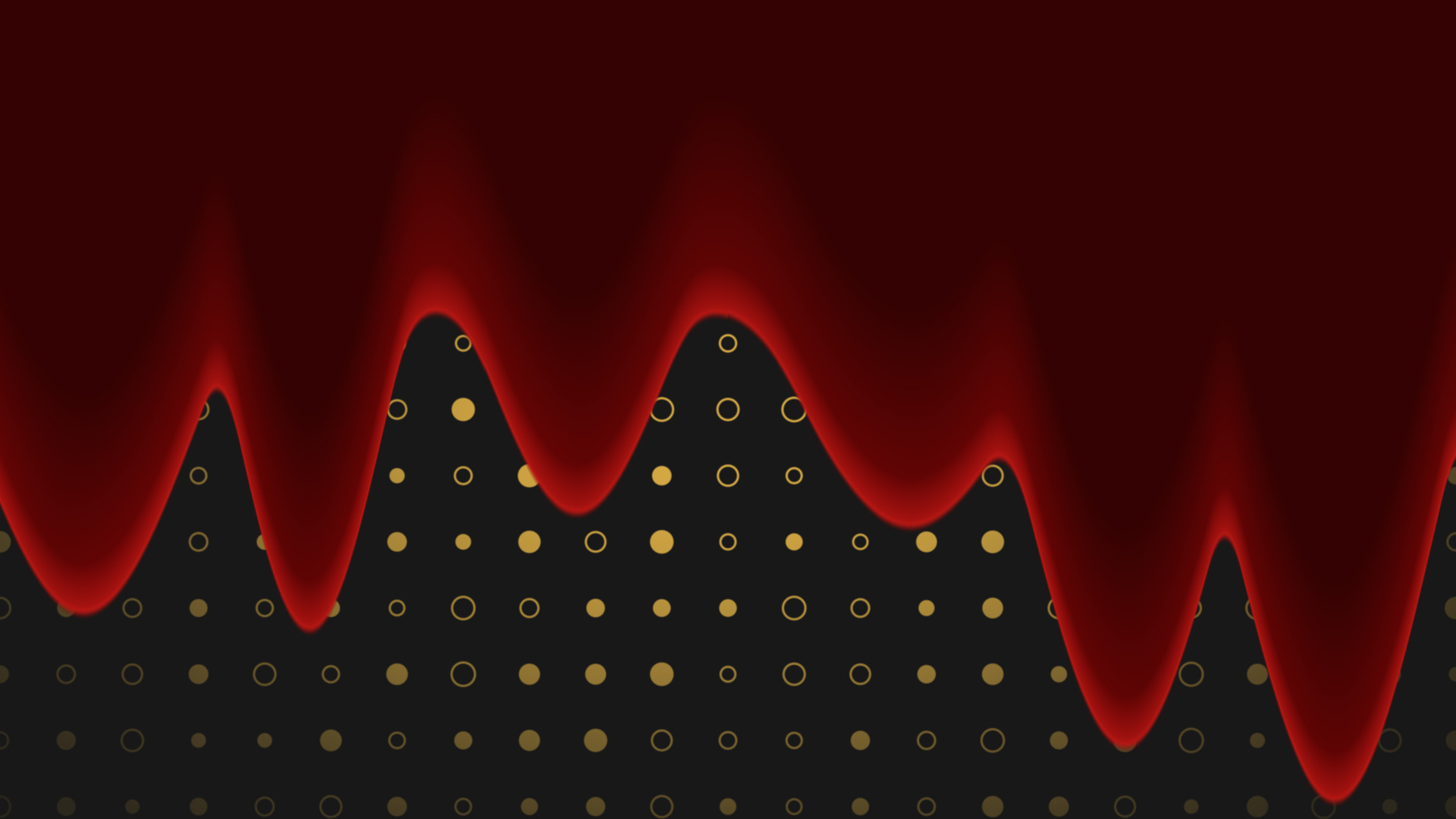
Liquid Fill
Flood any source with liquid, in any colour, pouring in any direction you point it.
Colour bars and alignment grids on a colour source, for building a scene without the cameras.
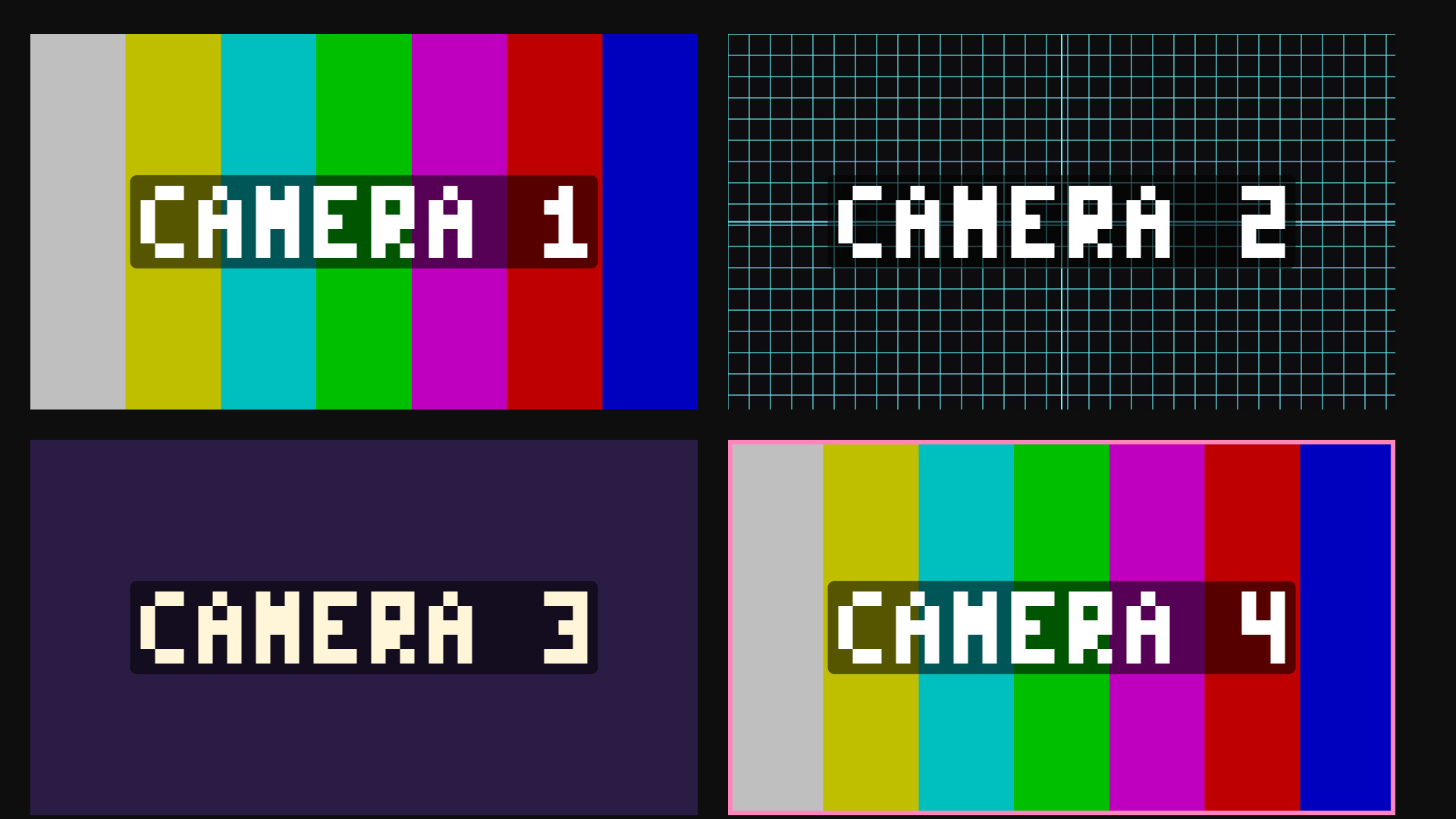
Turns a blank Colour Source into a labelled test card, so you can build and rehearse an overlay on a machine that does not have the real cameras plugged in yet.
Four Colour Sources, this filter on each, labelled CAMERA 1 to CAMERA 4, and your scene is laid out properly before the capture cards arrive.
Colour bars give you something that reads instantly as a missing feed. The grid is an alignment chart with a centre crosshair, so it is the one to use when you are lining up a crop or a transform. Solid is a flat colour for a holding card. Image points at your own PNG or JPG.
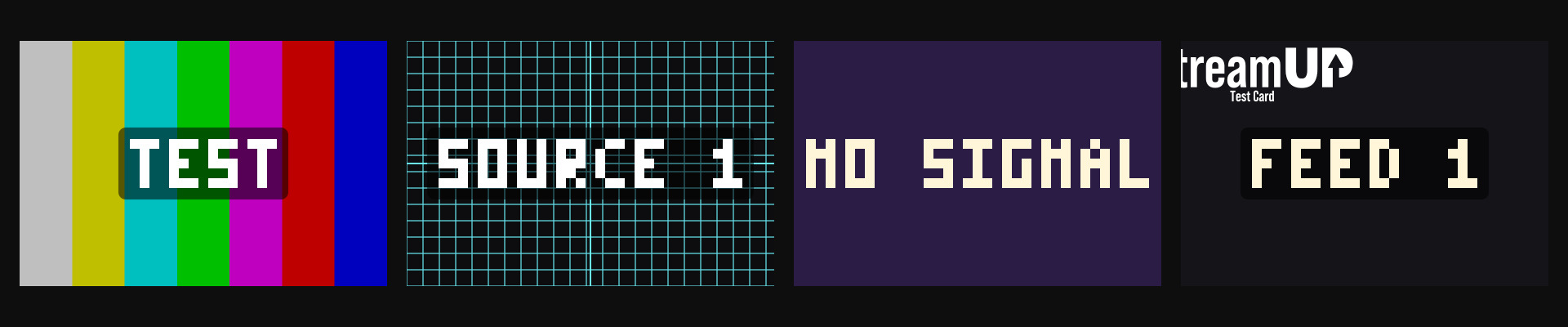
Set the spacing and you have a ruler across the frame. The centre crosshair marks the middle, so you can see straight away whether a source is actually centred or just close.
It pairs well with a frame border, which shows you exactly where the source bounds are once the transform is on it.
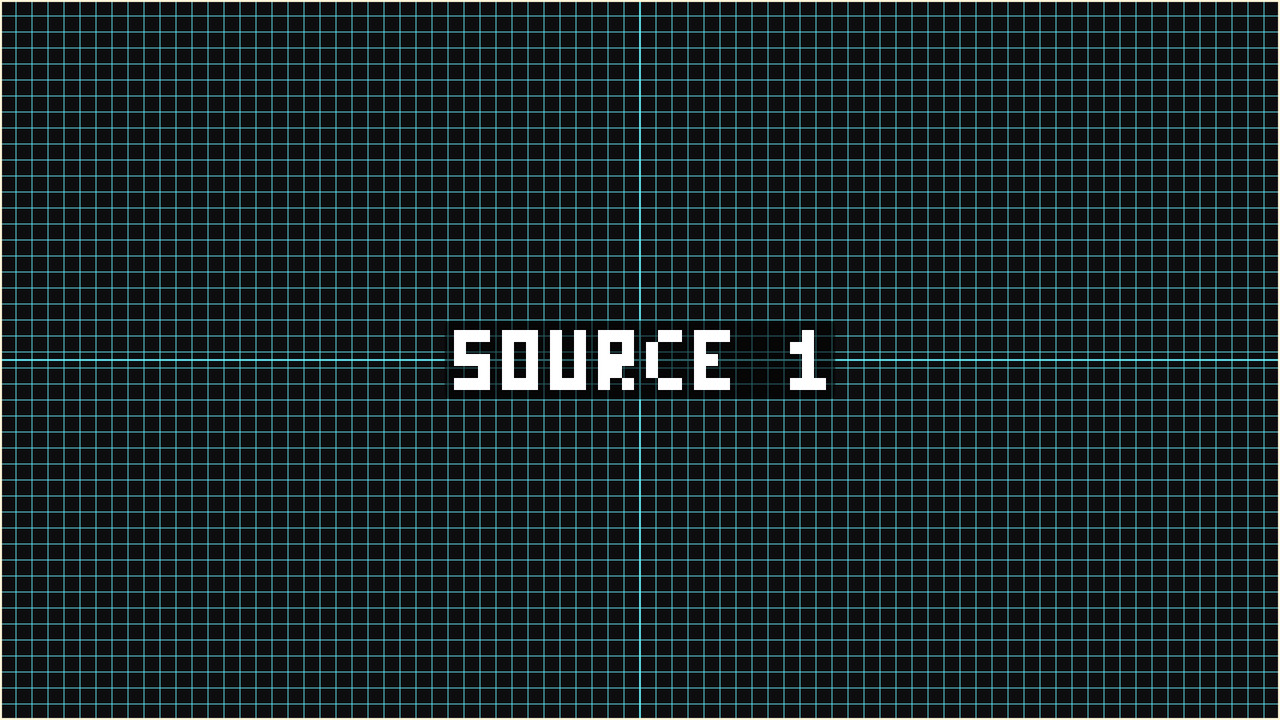
OBS only hands shaders numbers, colours and toggles. It never hands them text, and a shader cannot read the source name either. So the label is built from a Word dropdown and a Number slider instead of a text box.
That covers CAMERA 1 to 4, INPUT 1 to 4, SOURCE, FEED, SIGNAL, TEST, NO SIGNAL and OFFLINE. Set it once per source and you are done.
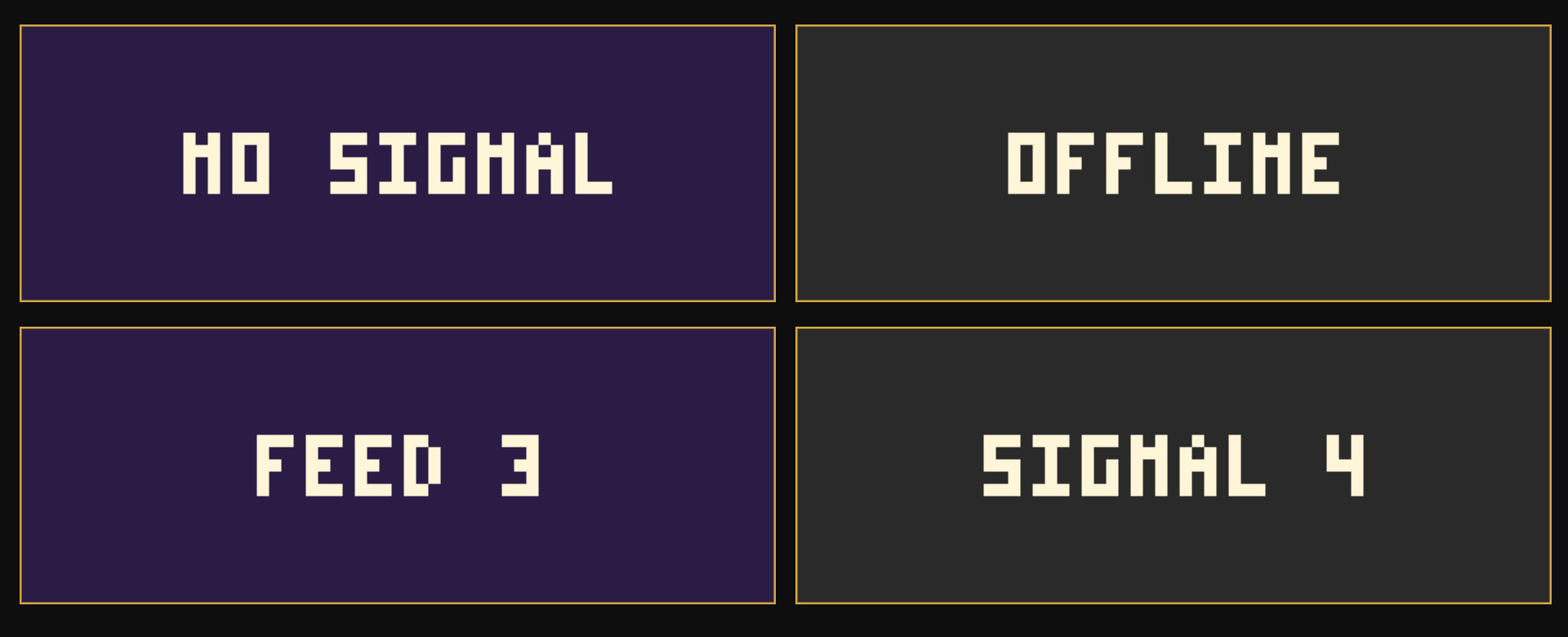
obs-shaderfilter by Exeldro, installed. Apply to a Colour Source, or any other full-frame source
Drop it on a source as a shader filter and it runs there. Nothing to sign into, nothing to keep open alongside it. Questions, ideas or something not working? We are in the Discord.
The other StreamUP shaders. Each one its own download, with its own page.
OBS
Flood any source with liquid, in any colour, pouring in any direction you point it.
OBS
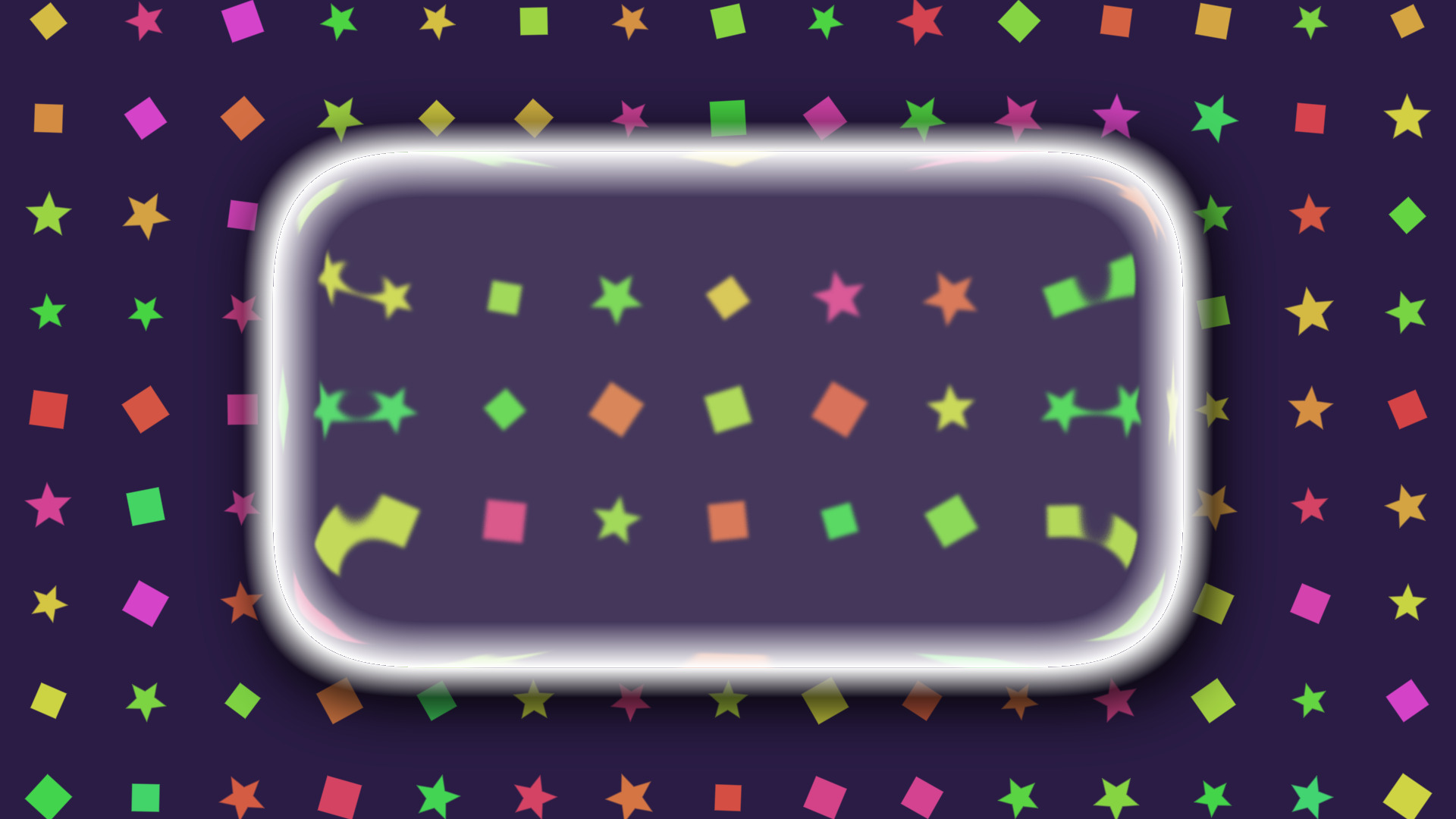
A frosted glass lens that blurs, tints and bends whatever is sitting behind it.
OBS
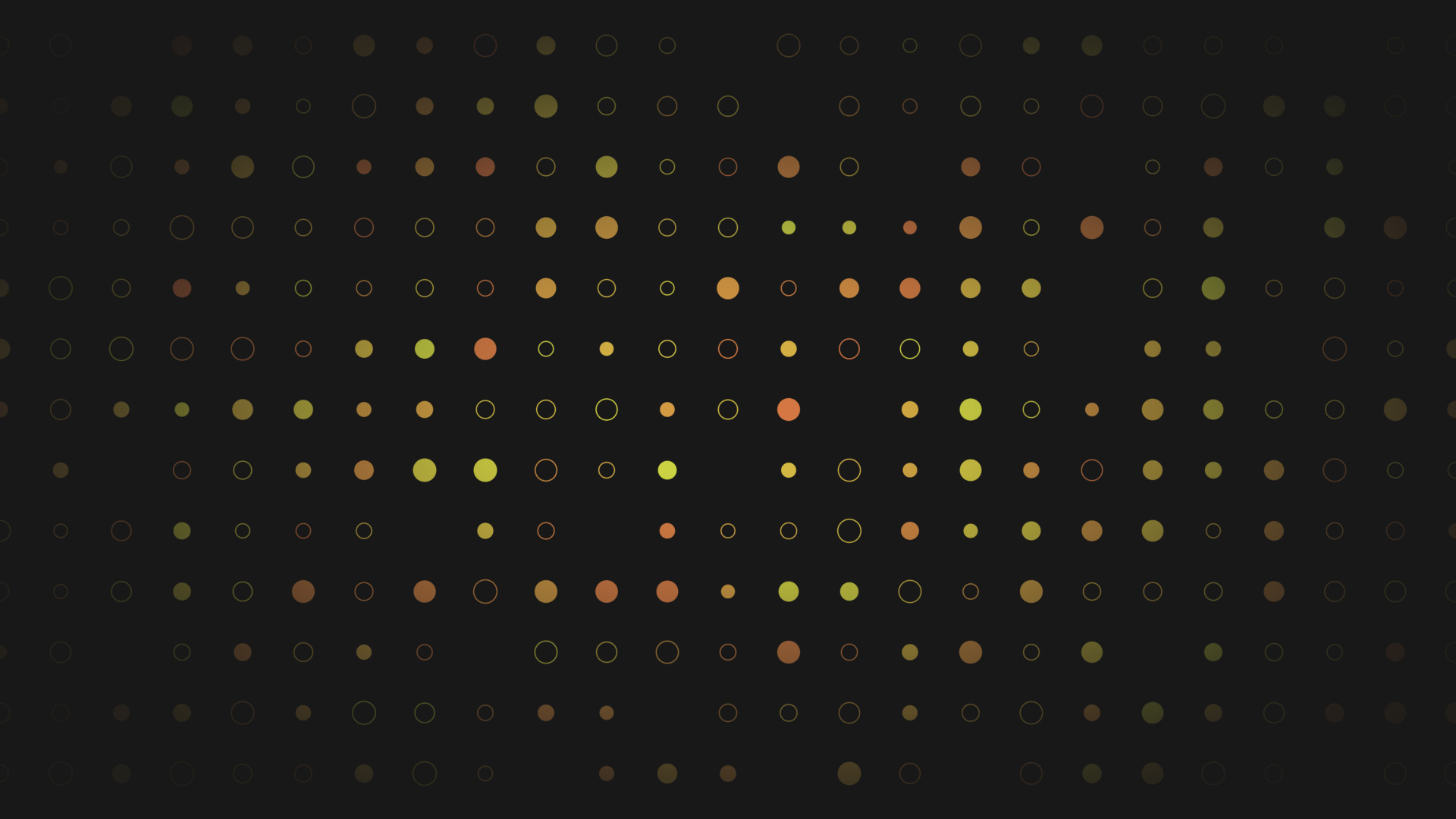
Turn a plain colour source into an animated tiled background, with no video to render.
OBS
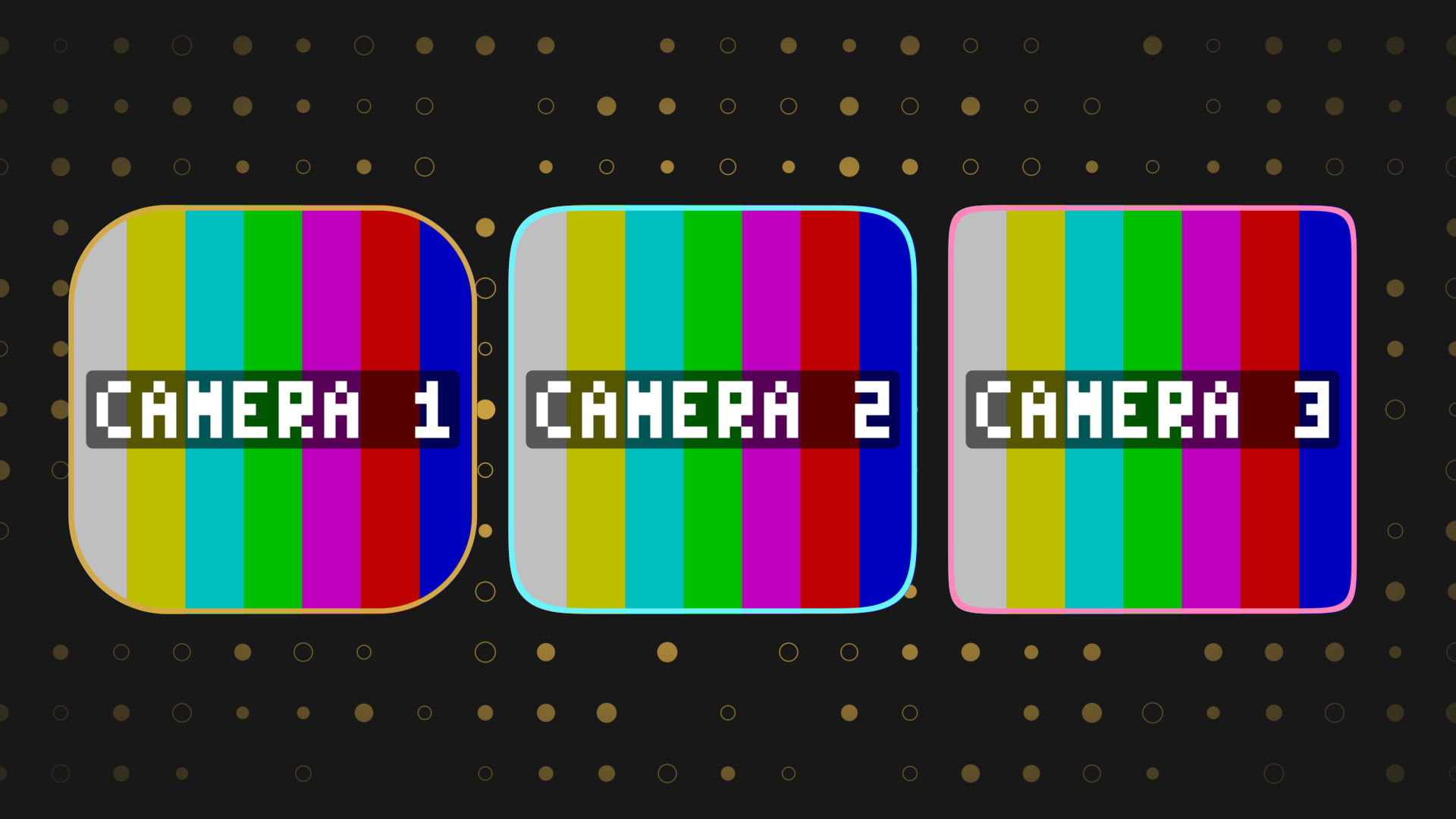
Round any source into a squircle, with a border and a shadow, and no mask image.
OBS
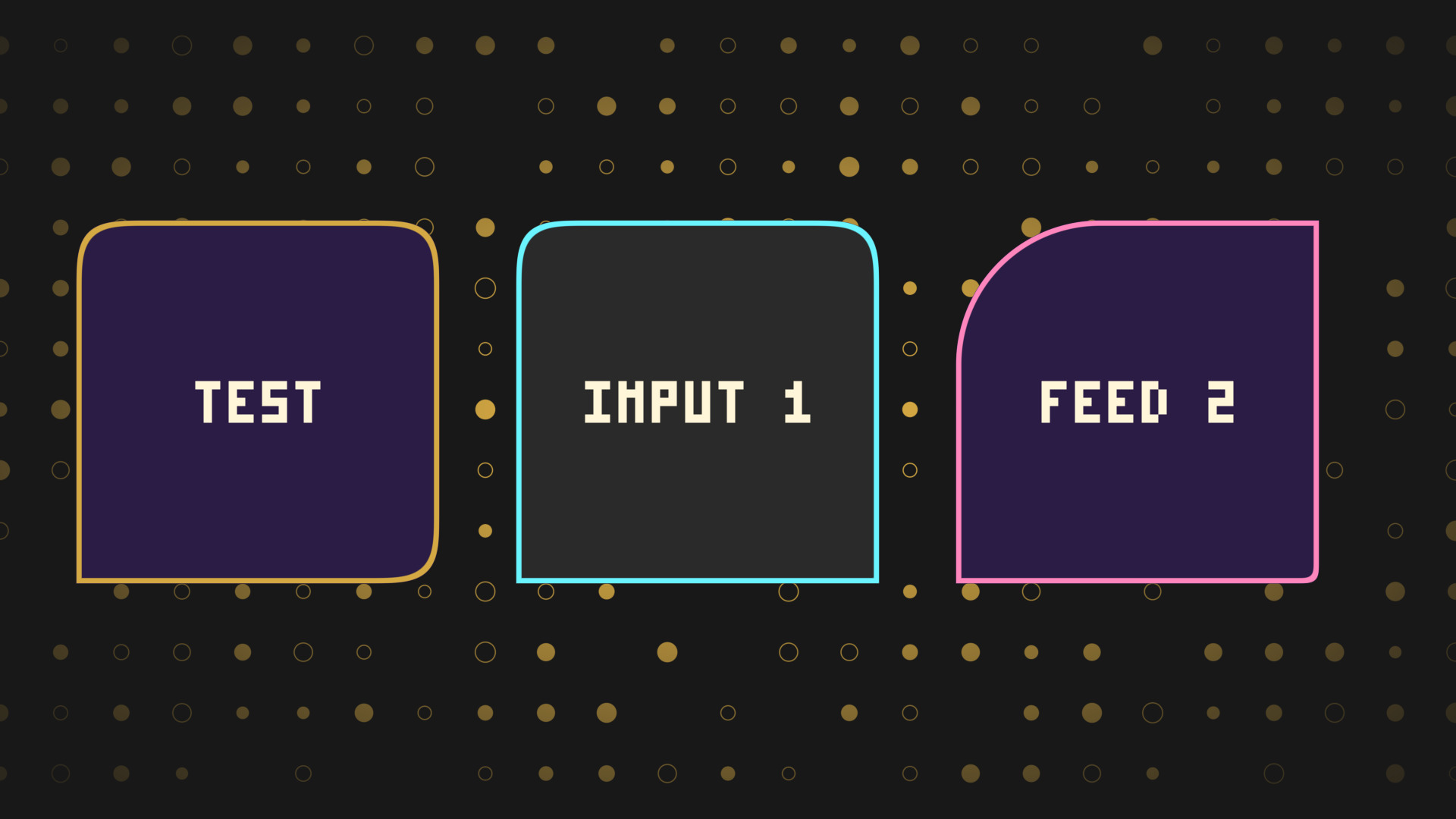
Every corner rounded on its own, for chat bubbles, tabs and anything sitting on an edge.