 OBS
OBS
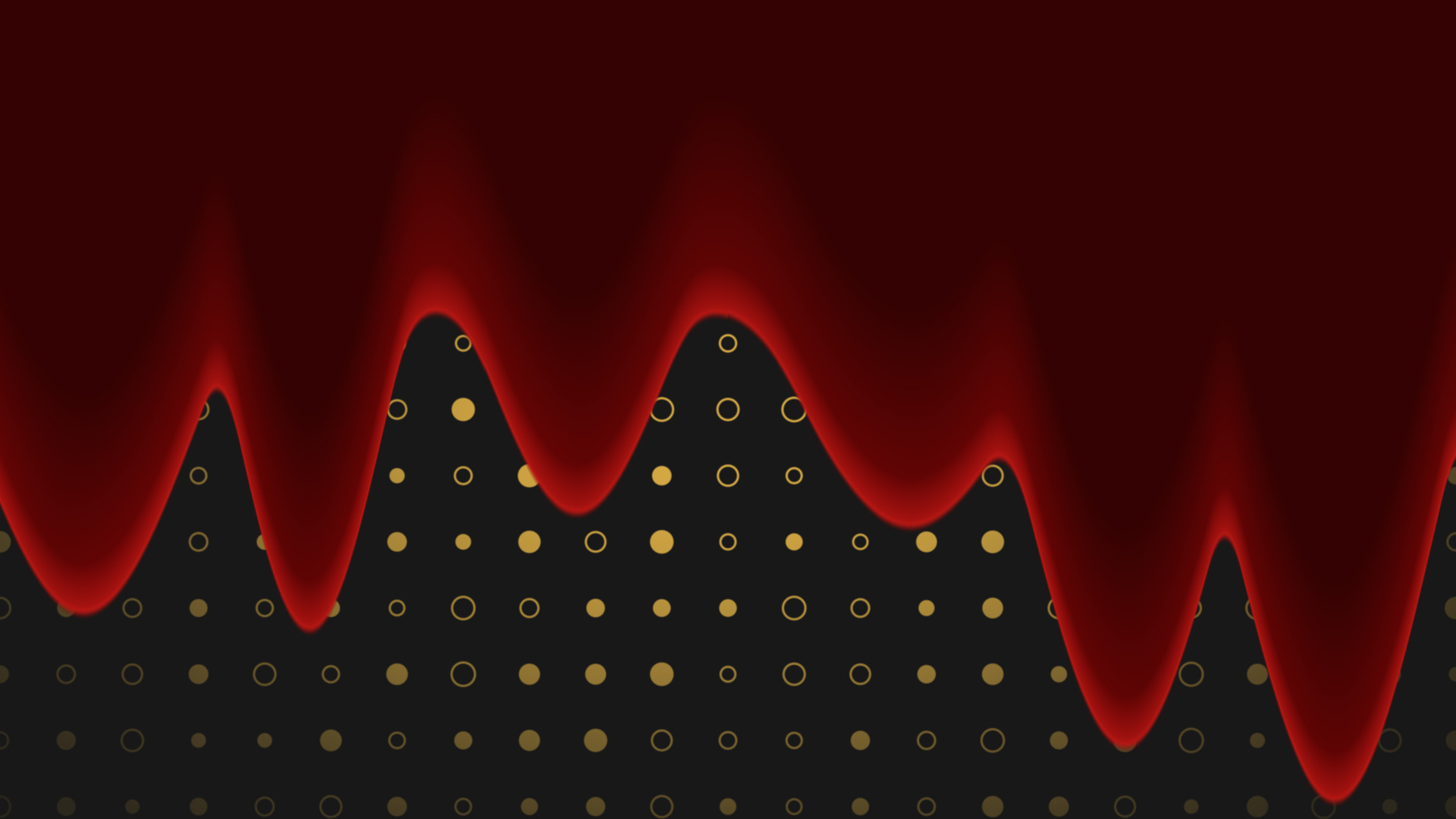
Liquid Fill
Flood any source with liquid, in any colour, pouring in any direction you point it.
Round any source into a squircle, with a border and a shadow, and no mask image.
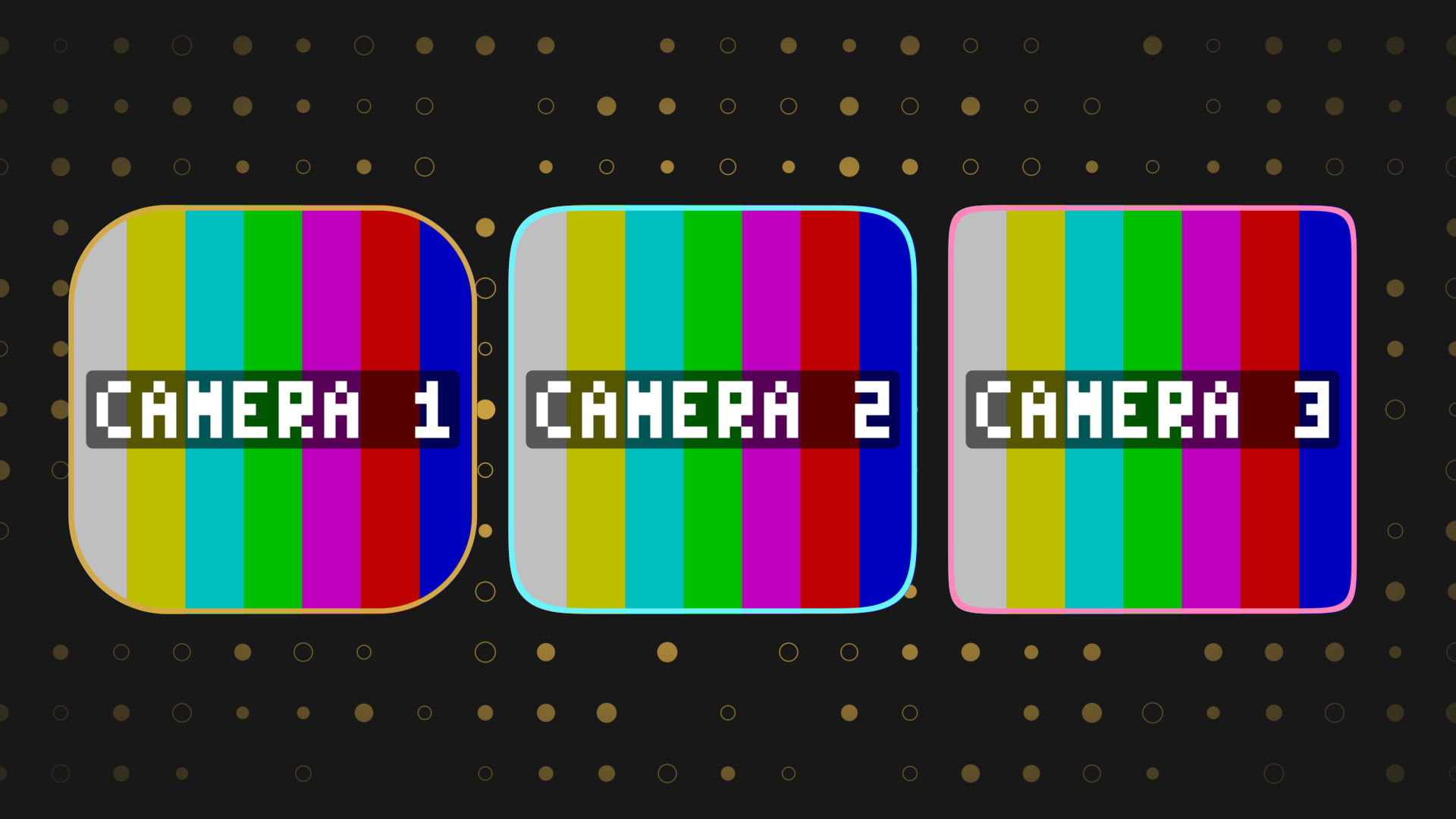
Mask any source into a squircle, the rounded shape that sits between a circle and a rectangle. One radius, one squircleness value, all four corners matching.
Drop it on a camera, a browser source, a chat panel or a whole scene and the corners round off without an image mask or an alpha PNG.
Point it at a source and set a radius. That is the whole setup.
Because it is a shader it works out the shape from the source size every frame, so resizing the source does not leave you with a stretched mask to fix.
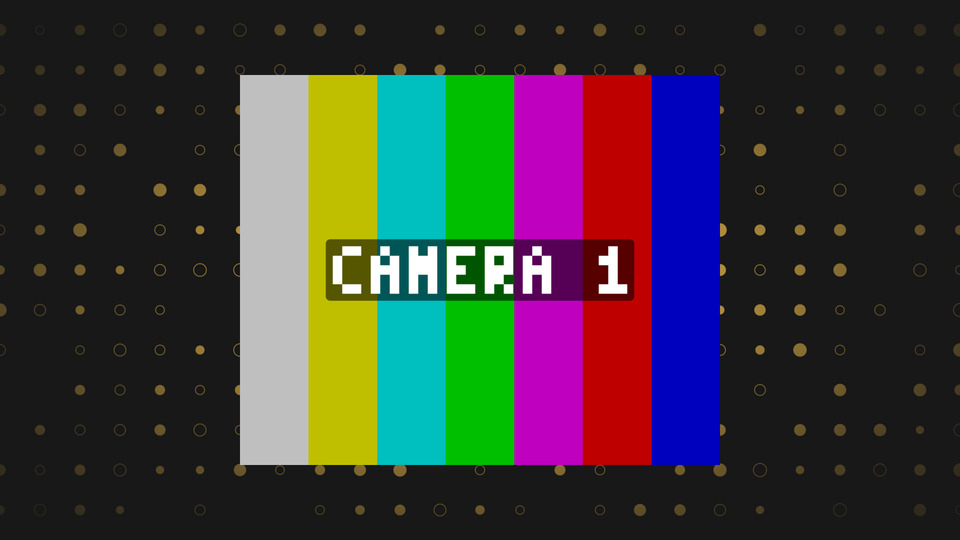
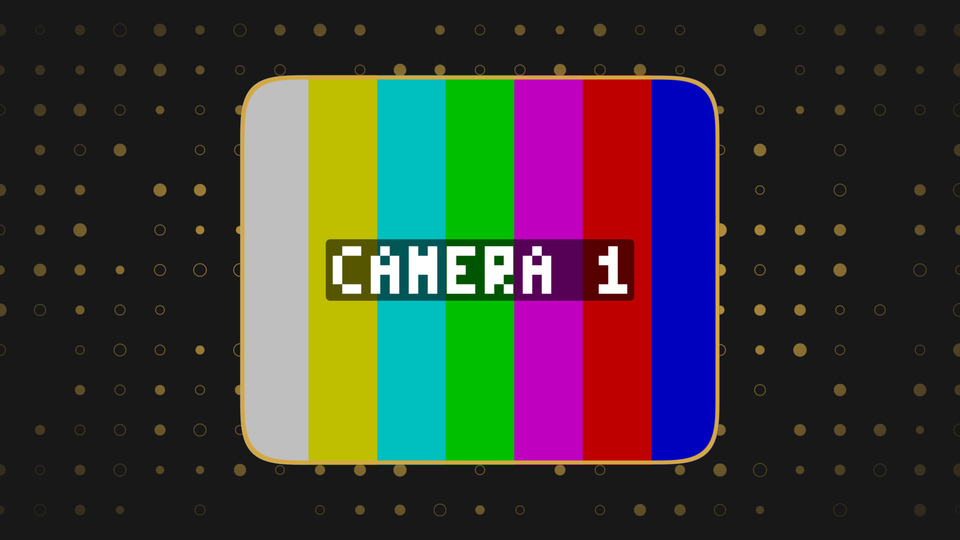
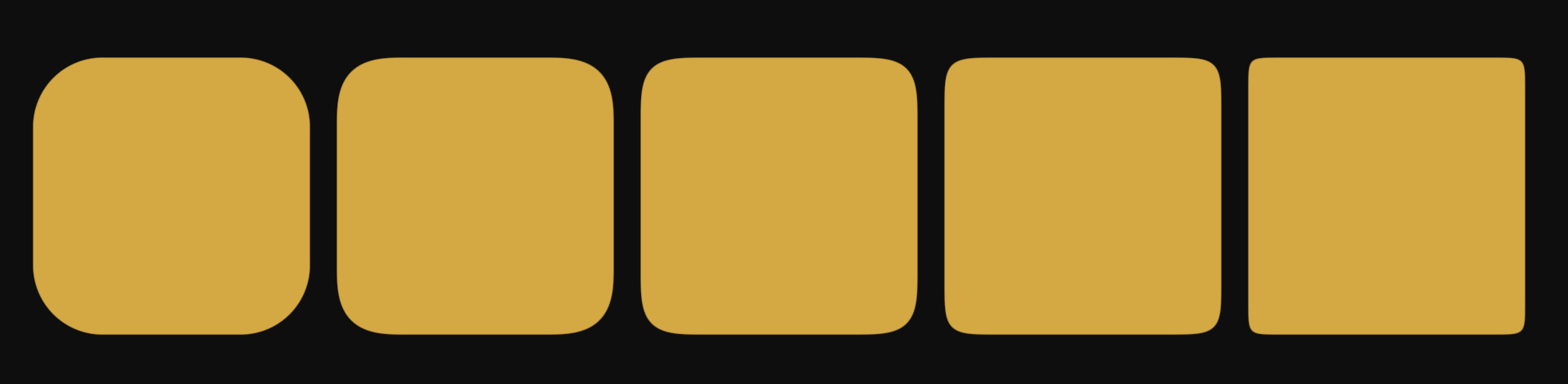
A normal rounded rectangle is a straight edge that stops and turns into an arc, and you can see the joint. A squircle curves continuously into the corner, which is why the shape reads as smoother at the same radius.
Squircleness 2 is a plain rounded rectangle. Push it up and the corner flattens out towards a square. Anywhere from 3 to 6 is the range most people settle on.
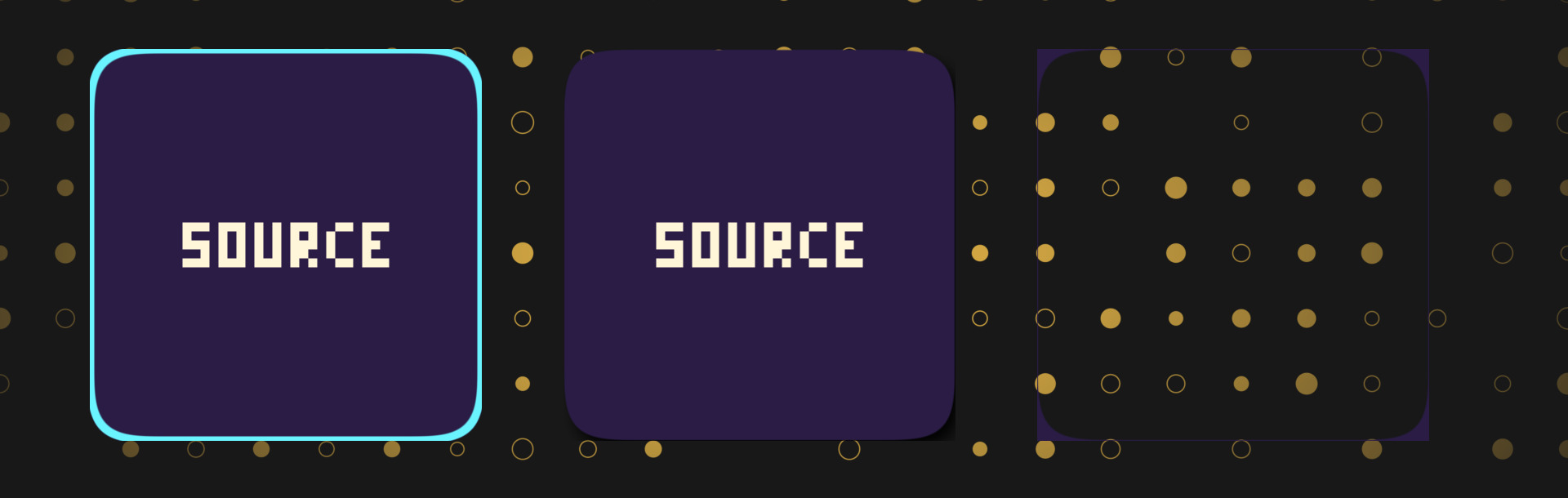
The border can sit inside the shape, straddle the edge, or sit outside it. Outside needs canvas expansion in OBS so it has somewhere to draw.
The drop shadow takes an offset, a blur, a colour and an opacity, and it is drawn behind the source rather than on top of it. Same canvas expansion rule.
Inverse mode flips the mask, so the squircle becomes a hole and the source is everything around it. Handy for framing a camera without a second source.
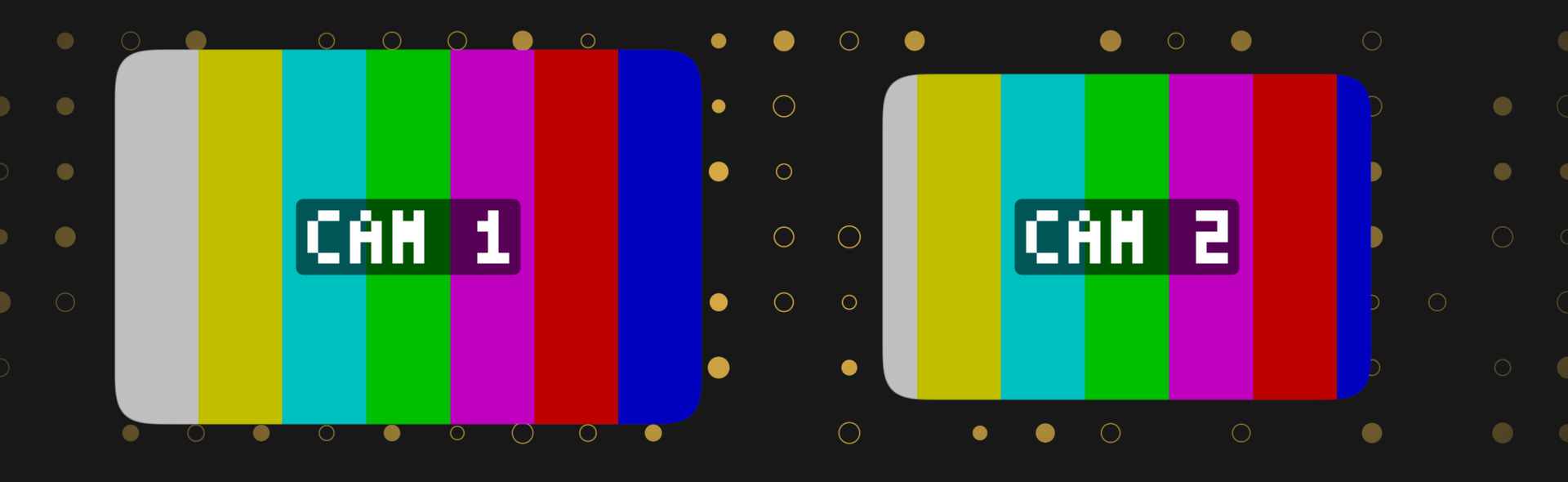
The four inset sliders pull the shape in from each edge, so the mask shrinks while the source stays exactly where it was. Use it to leave a margin on one side, or to nudge the shape off centre without touching the transform.
obs-shaderfilter by Exeldro, installed. Expand the filter canvas in OBS for an outside border or a drop shadow
Tooltips on every control
Drop it on a source as a shader filter and it runs there. Nothing to sign into, nothing to keep open alongside it. Questions, ideas or something not working? We are in the Discord.
The other StreamUP shaders. Each one its own download, with its own page.
OBS
Flood any source with liquid, in any colour, pouring in any direction you point it.
OBS
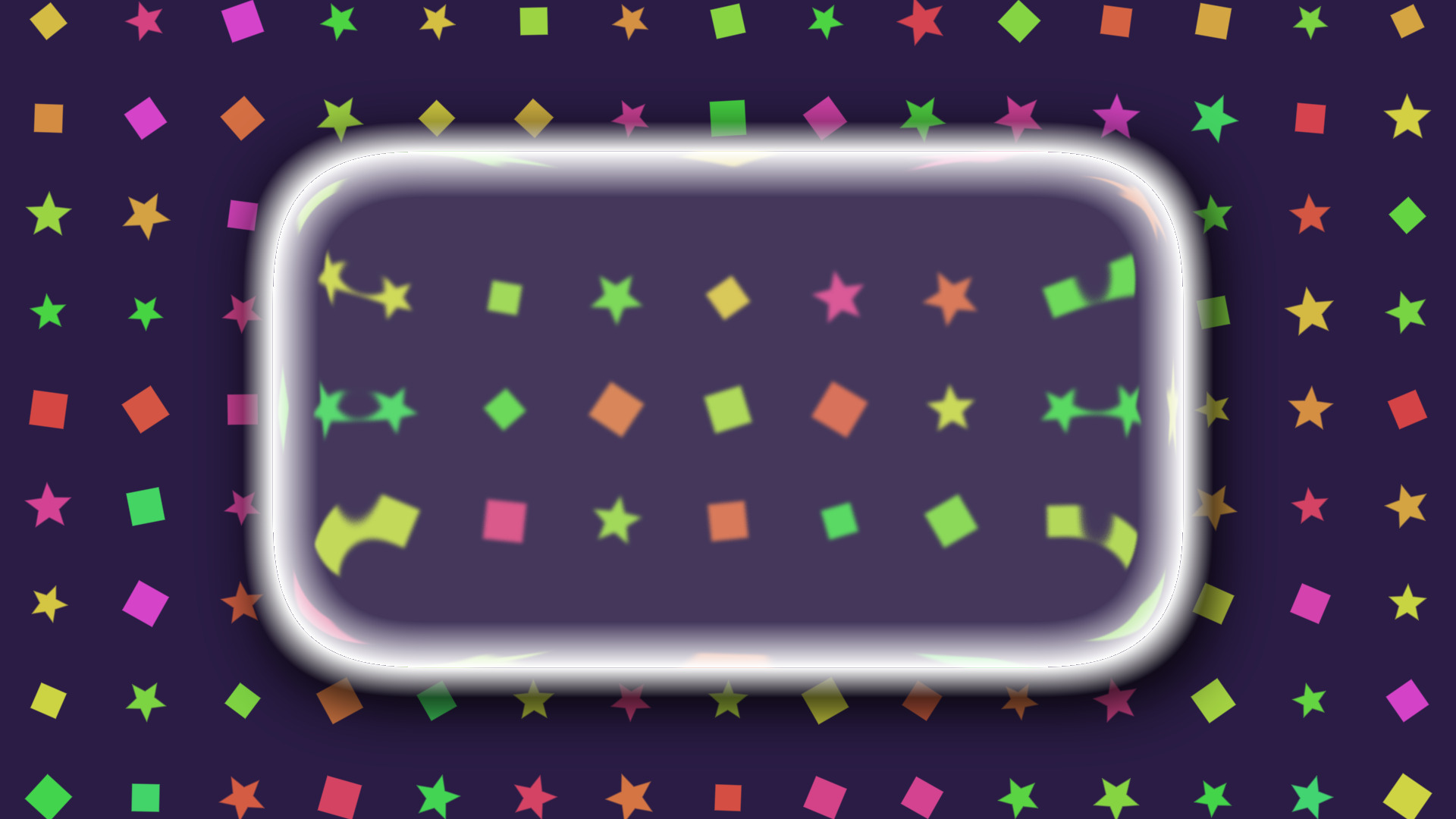
A frosted glass lens that blurs, tints and bends whatever is sitting behind it.
OBS
Turn a plain colour source into an animated tiled background, with no video to render.
OBS
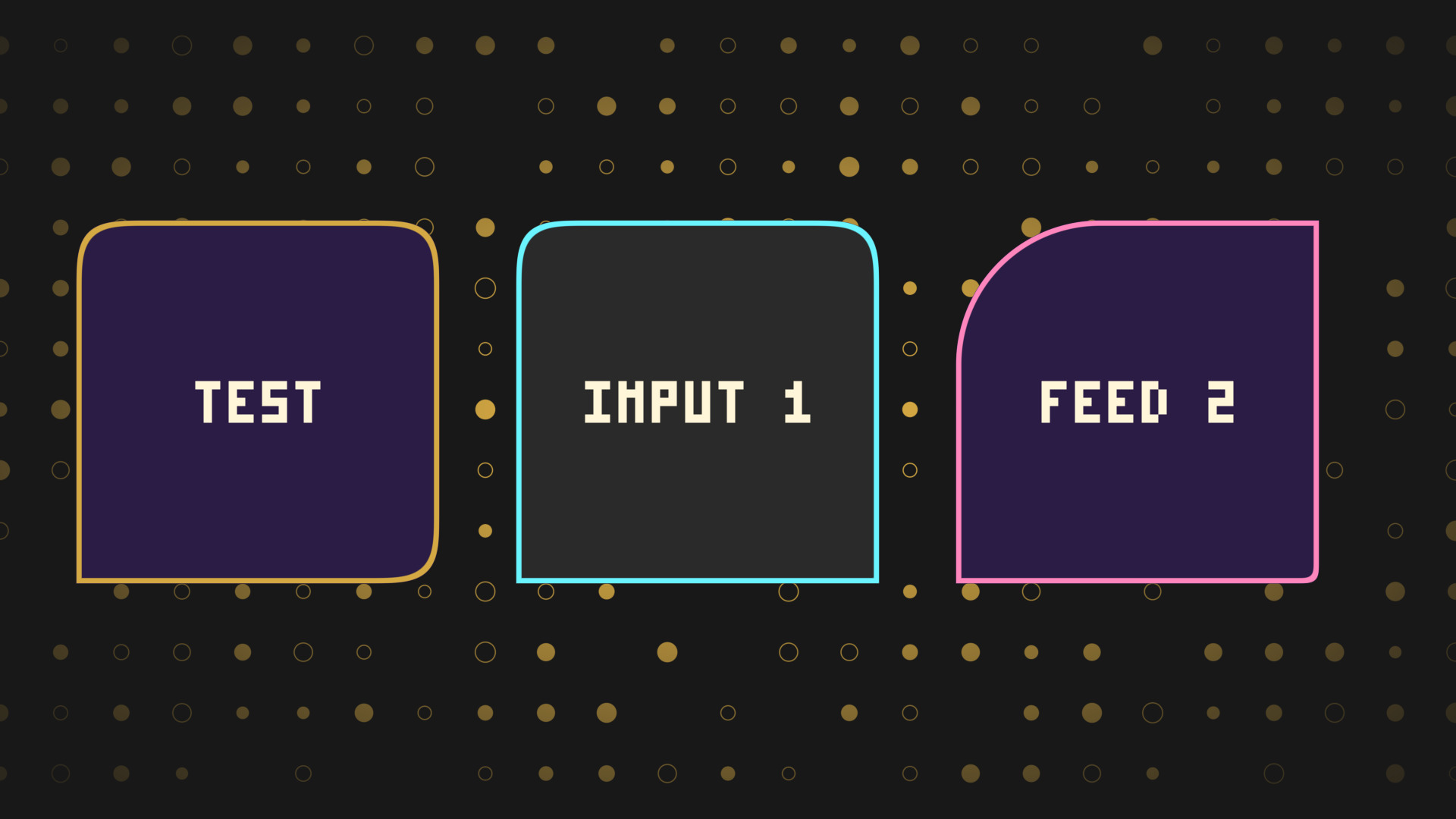
Every corner rounded on its own, for chat bubbles, tabs and anything sitting on an edge.
OBS
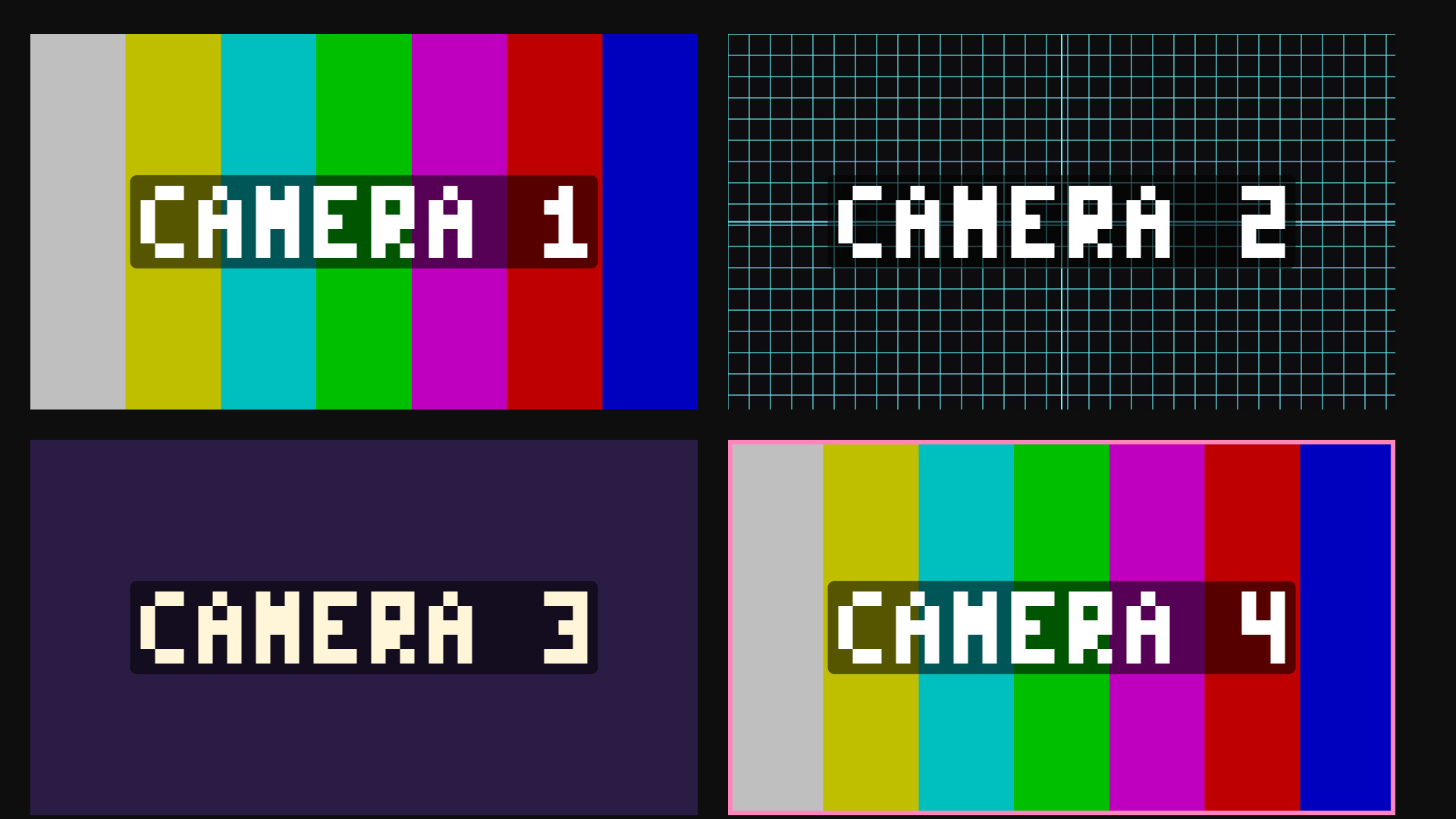
Colour bars and alignment grids on a colour source, for building a scene without the cameras.