 OBS
OBS
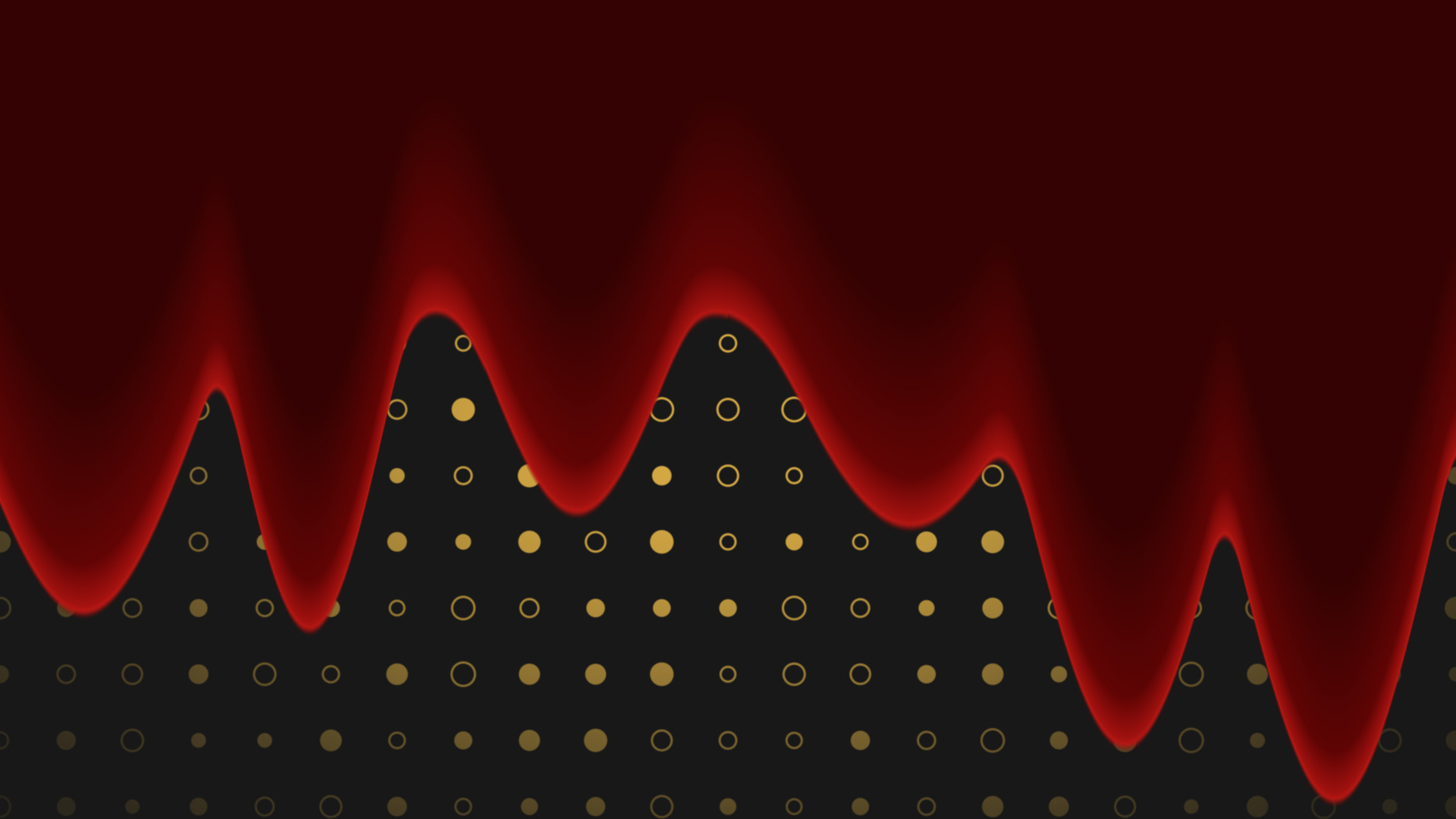
Liquid Fill
Flood any source with liquid, in any colour, pouring in any direction you point it.
A frosted glass lens that blurs, tints and bends whatever is sitting behind it.
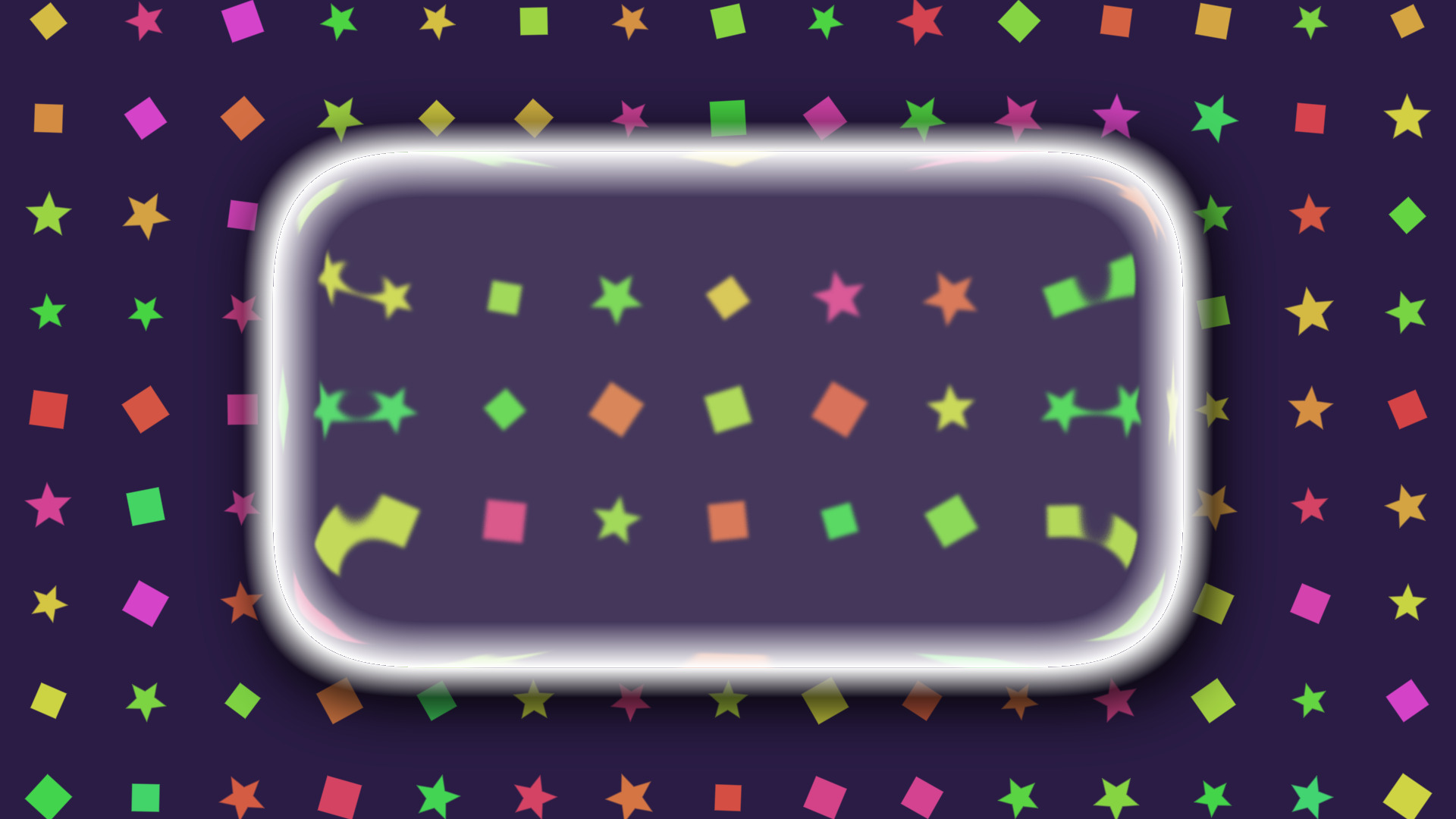
A squircle-shaped glass lens you drop on a source. It blurs, frosts, tints, bends the light at the edge and magnifies what is underneath.
Use it for callouts, camera frames, lower thirds, or any panel that needs to sit over a busy background and still be readable.
The lens does not just blur a rectangle. It bends the sample position near the rim, which is what makes the pattern behind it stretch and curl as it reaches the edge, and it magnifies the middle.
That rim behaviour is the whole trick. Without it a frosted panel reads as a blurred box, not as glass sitting on top of something.
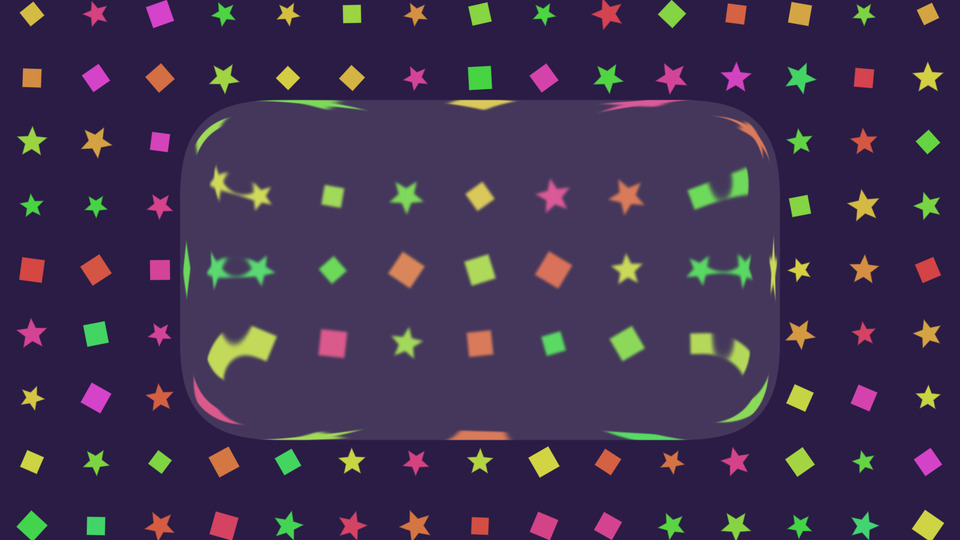
Tint pushes the whole lens towards a colour. Frost roughens the blur into something closer to sandblasted glass. Chromatic aberration splits red, green and blue along the rim for a prismatic edge. Glow lights the shape from outside and inside.
They stack, so a heavily tinted, lightly frosted panel with a soft inner glow is a different object from a clear one with a hard prismatic edge.
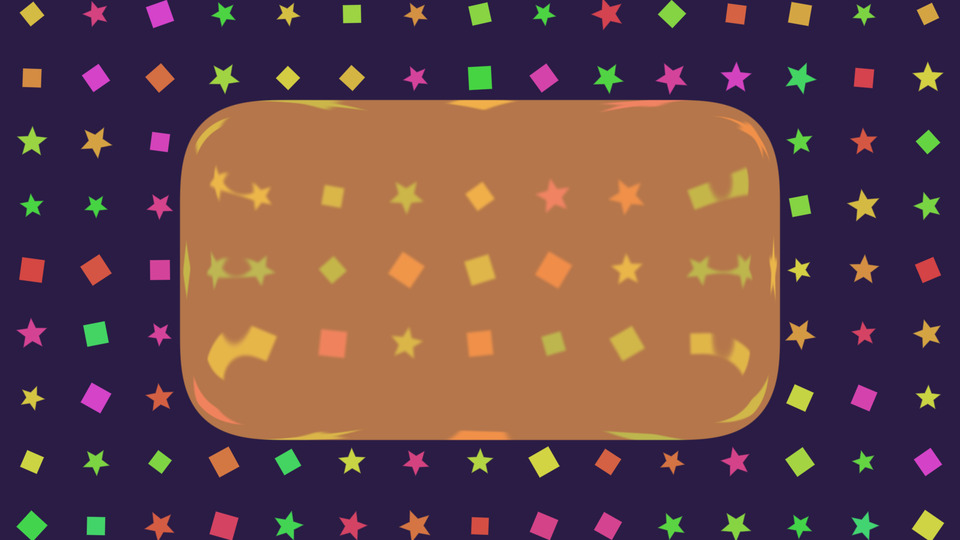
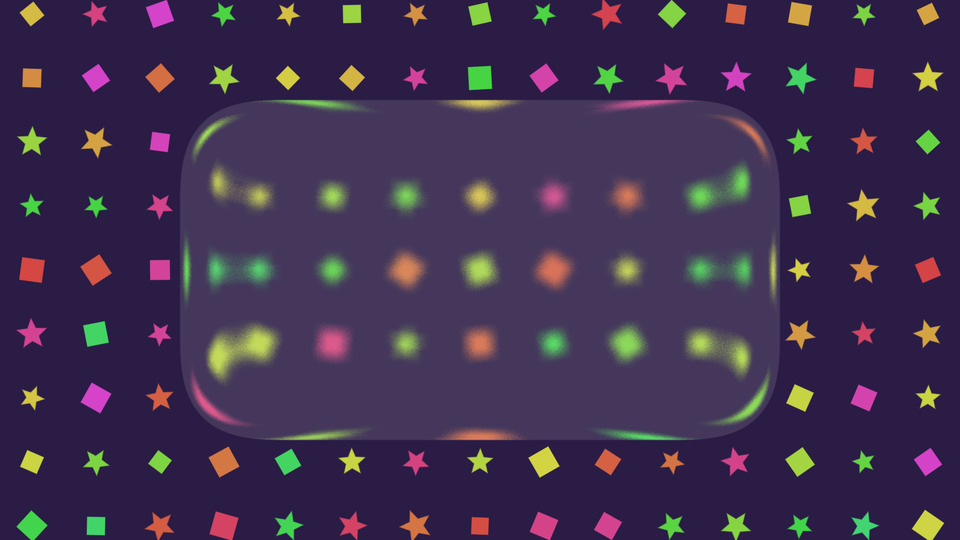
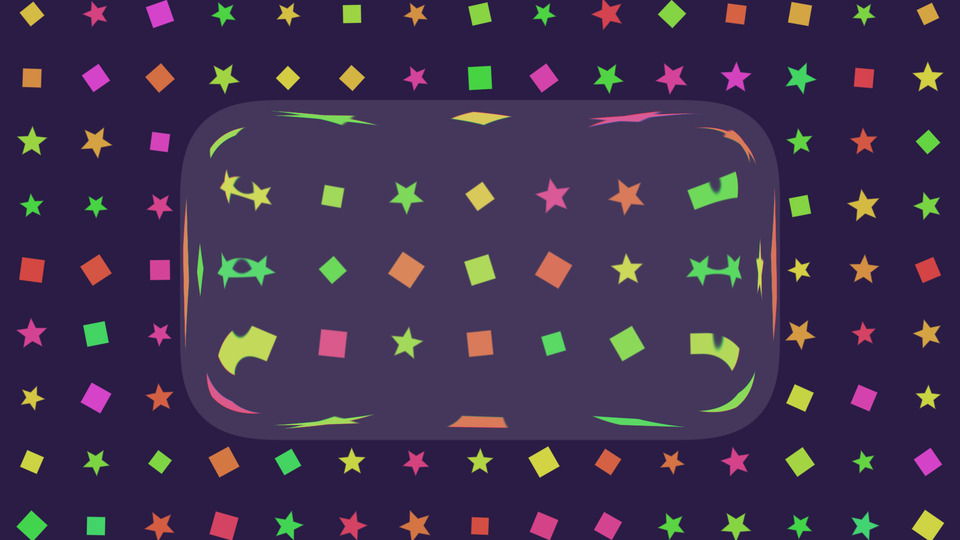
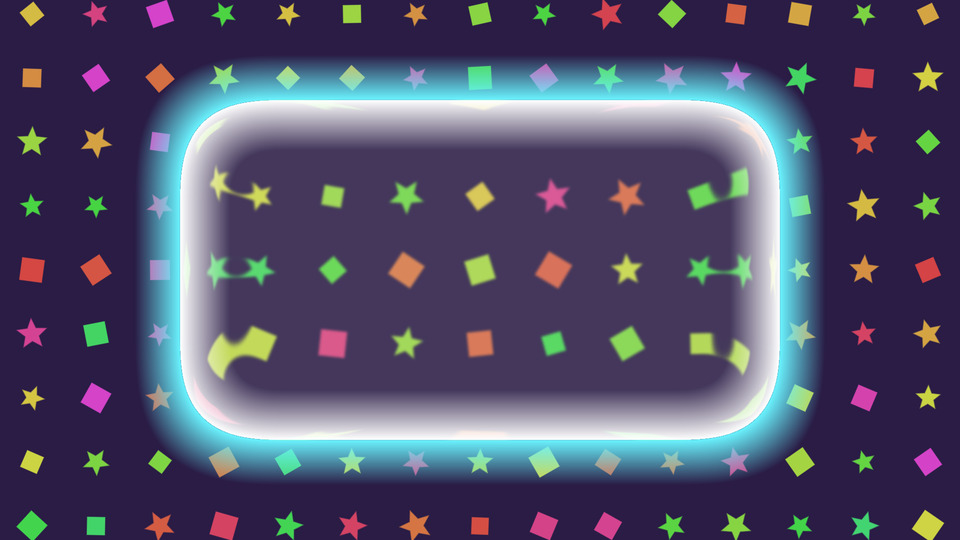
Blur Level picks the sampling quality: Low is fastest, High looks best. Blur Intensity then fine-tunes the radius on top of that.
Keeping them separate means you can run a wide, soft blur on Low when you need the frames back, without giving up the look entirely.
The lens maths started from the shader Apple liquid glass replicate by 4eckme on Shadertoy, and grew from there into the OBS filter with the shape, glow, shadow and aberration controls.
obs-shaderfilter by Exeldro, installed. Expand the filter canvas in OBS for an outer glow or a drop shadow
Drop it on a source as a shader filter and it runs there. Nothing to sign into, nothing to keep open alongside it. Questions, ideas or something not working? We are in the Discord.
The other StreamUP shaders. Each one its own download, with its own page.
OBS
Flood any source with liquid, in any colour, pouring in any direction you point it.
OBS
Turn a plain colour source into an animated tiled background, with no video to render.
OBS
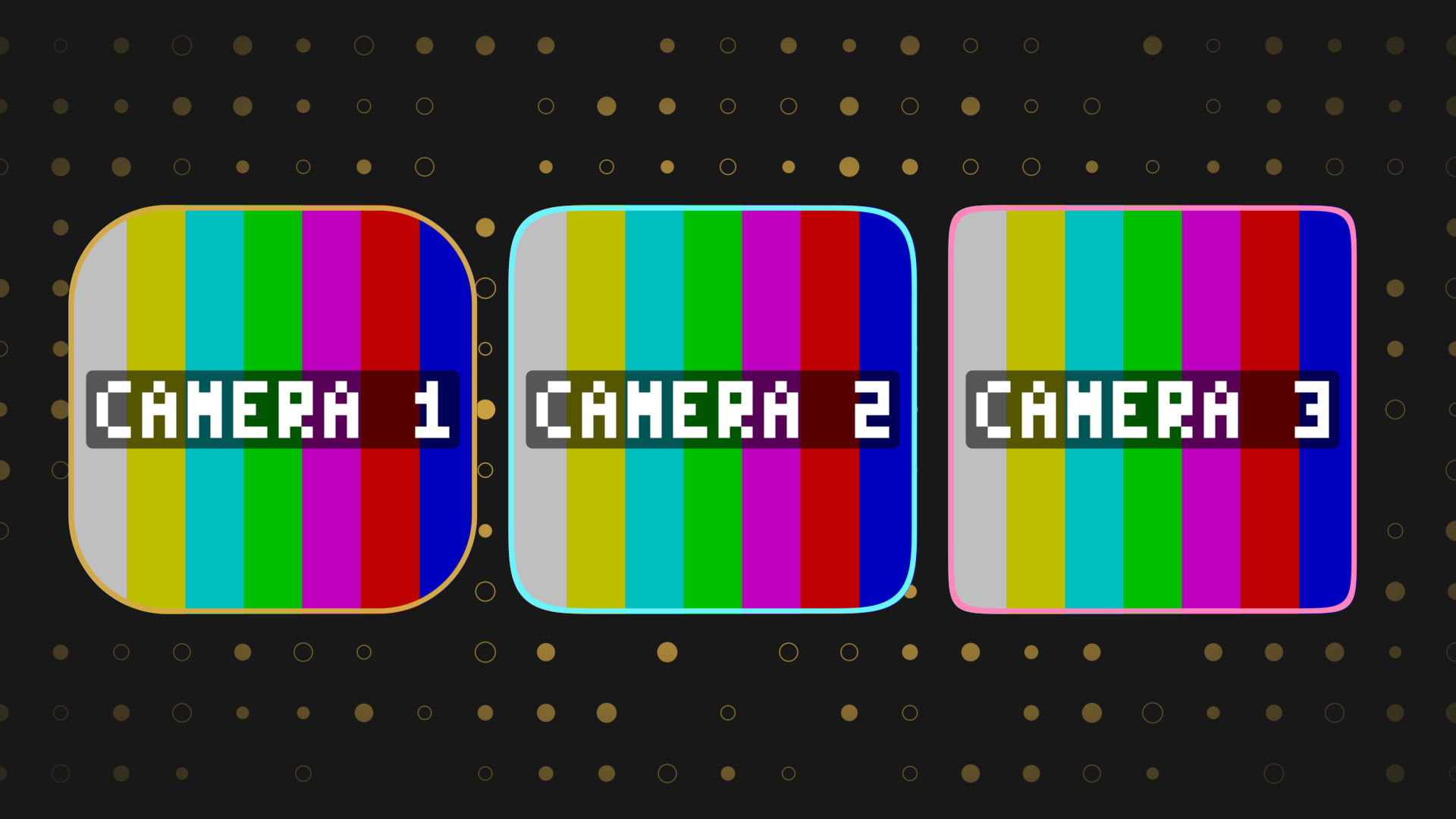
Round any source into a squircle, with a border and a shadow, and no mask image.
OBS
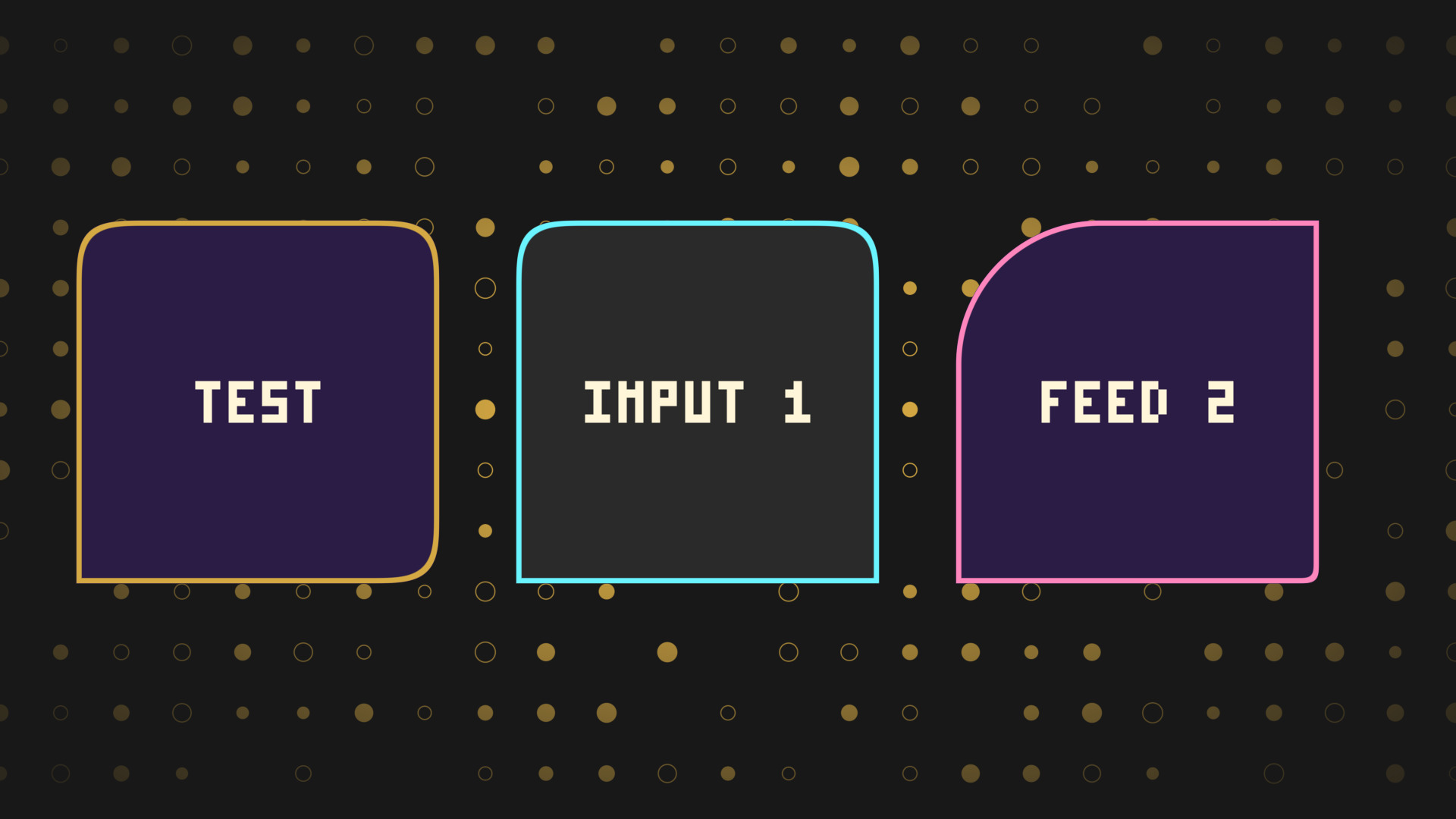
Every corner rounded on its own, for chat bubbles, tabs and anything sitting on an edge.
OBS
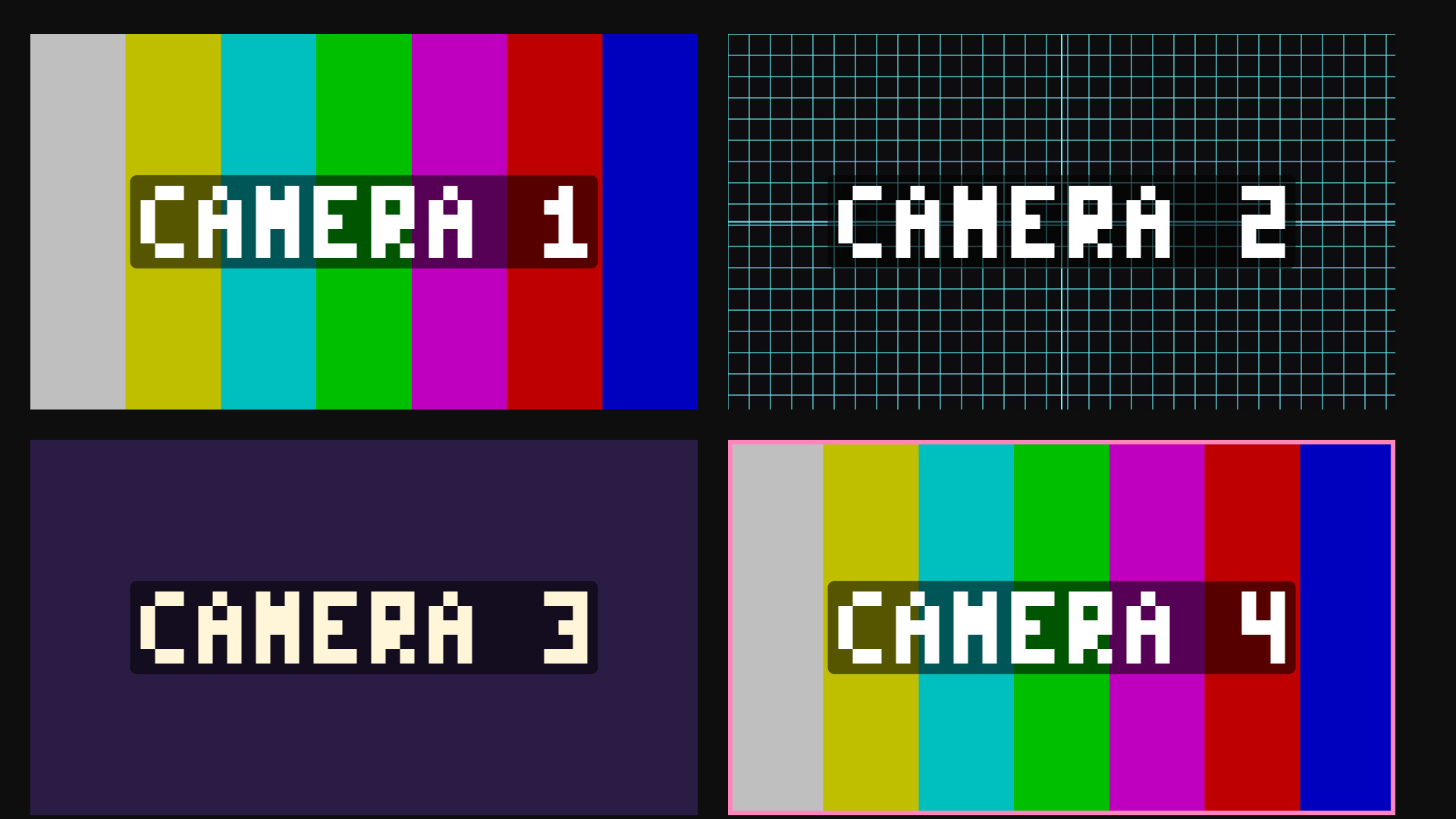
Colour bars and alignment grids on a colour source, for building a scene without the cameras.