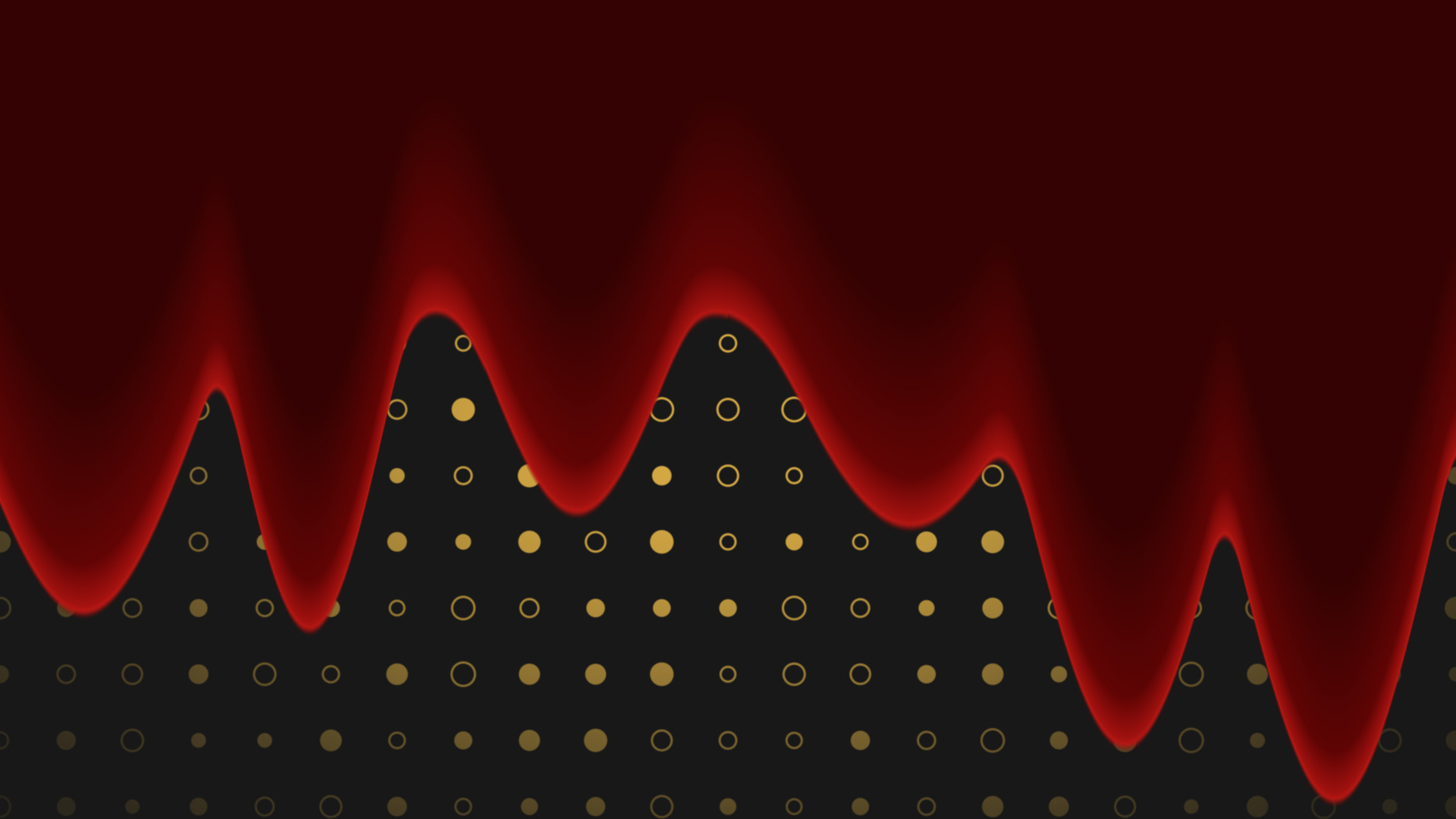
OBS shader filter

Pattern Tiler

Turn a plain colour source into an animated tiled background, with no video to render.
  • By Andi v0.0.6 Beta
  • Windows macOS Linux
  • OBS 28+
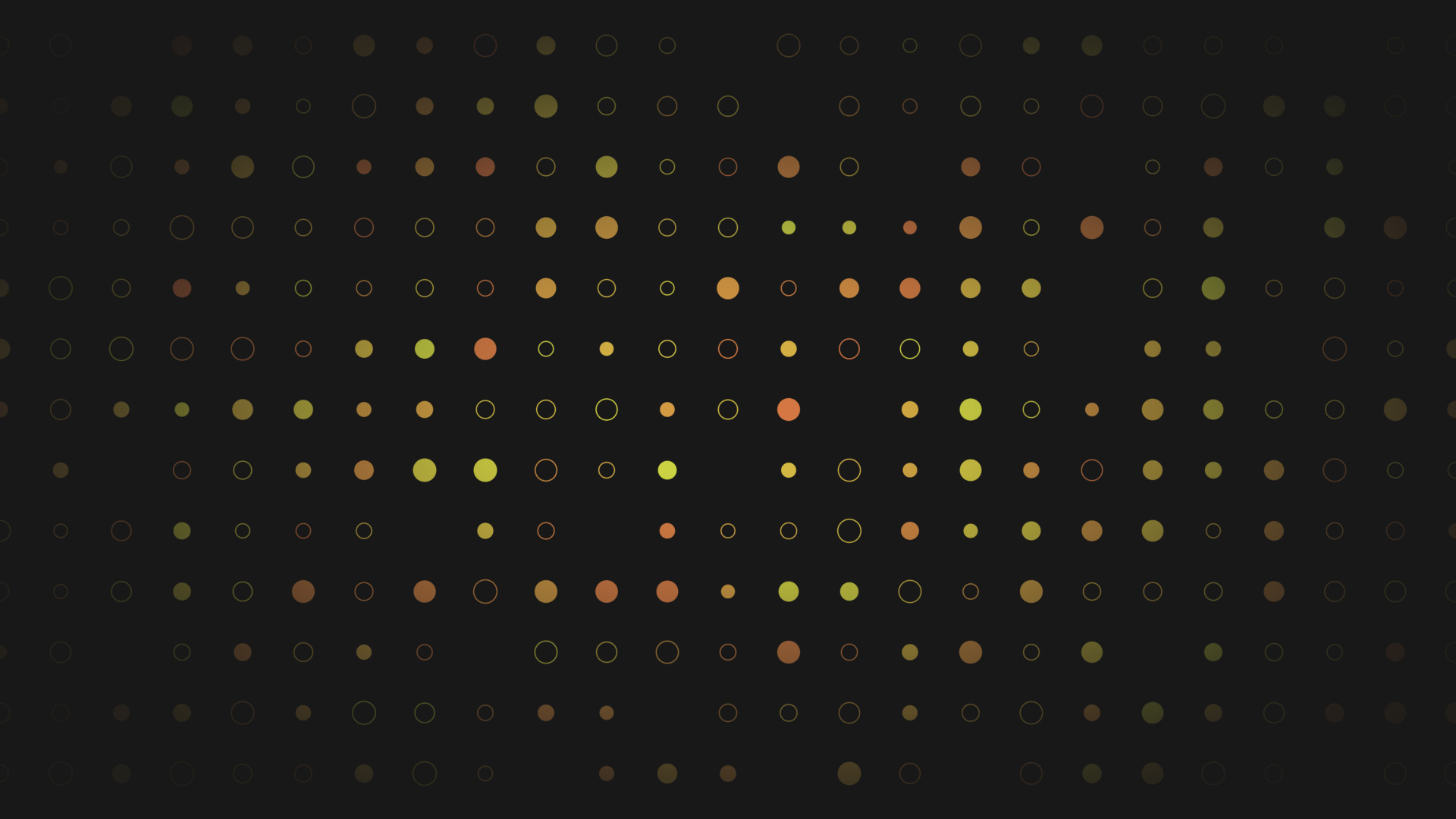
A tiled dot and ring pattern with size and hue variation, pulled in by a vignette.

Build a tiled, animated background out of a plain Colour Source. Dots, rings, stars, lines, your own PNG, or another OBS source, repeated across the whole frame.

It is a shader filter, so the pattern is generated on the GPU. Nothing to render out, nothing to loop, and you can change the look while you are live.

Everything it does

Key features

  • Eleven cell shapes: dot, ring, square, diamond, plus, polygon, star, horizontal line, vertical line, an OBS source, or your own PNG
  • Mix two shapes in the same grid, with their own colours if you want them
  • Density, size, padding, edge softness and opacity, all on sliders
  • Per-cell variation on visibility, size, rotation and hue, reshuffled with a Pattern Seed
  • Motion: scroll the grid at any angle, drift each cell, pulse the sizes, twinkle cells on and off
  • Background fill with a vignette that pulls focus to the centre
  • Cutout mode punches the shapes through as holes so whatever is behind shows through
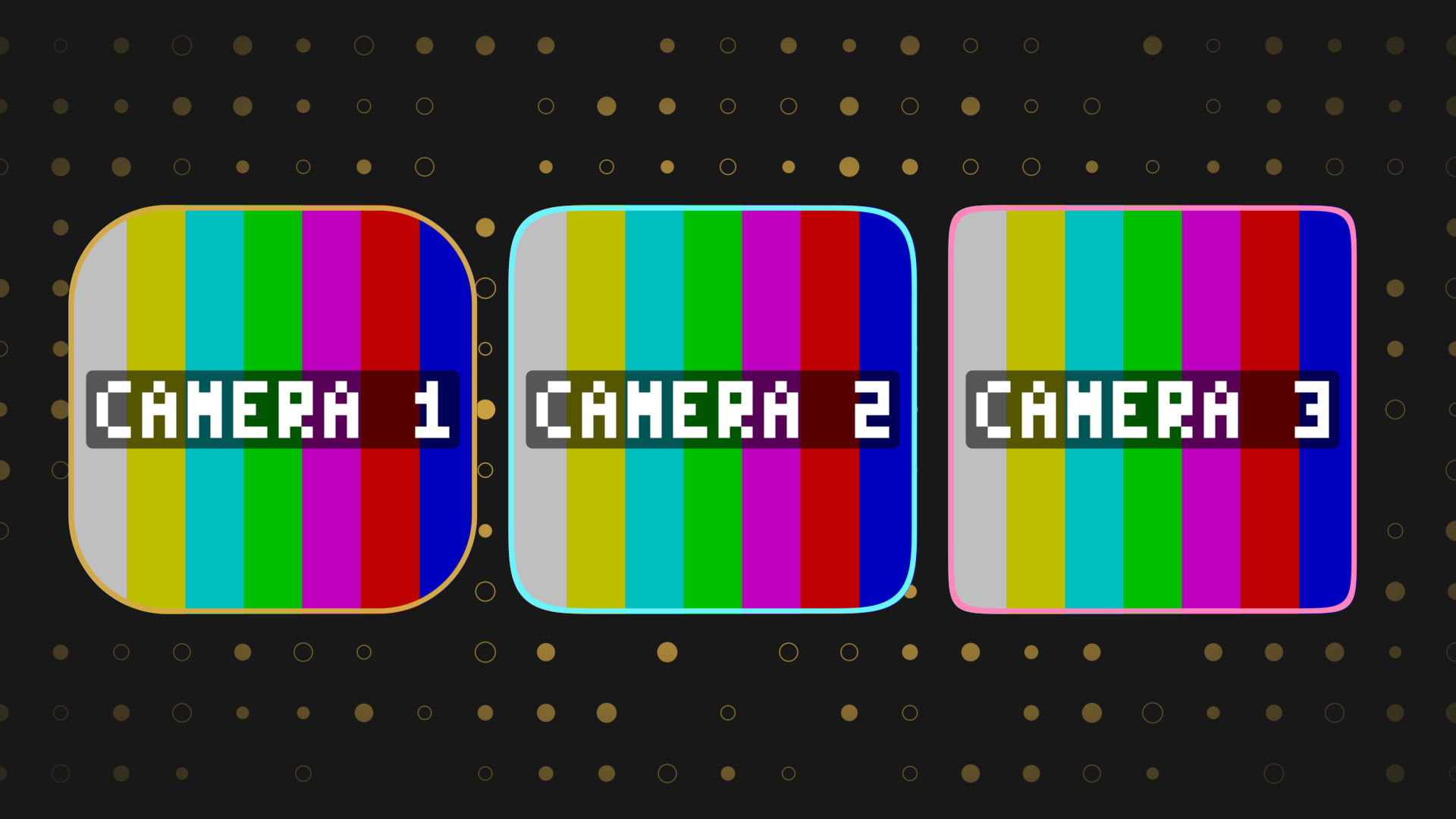
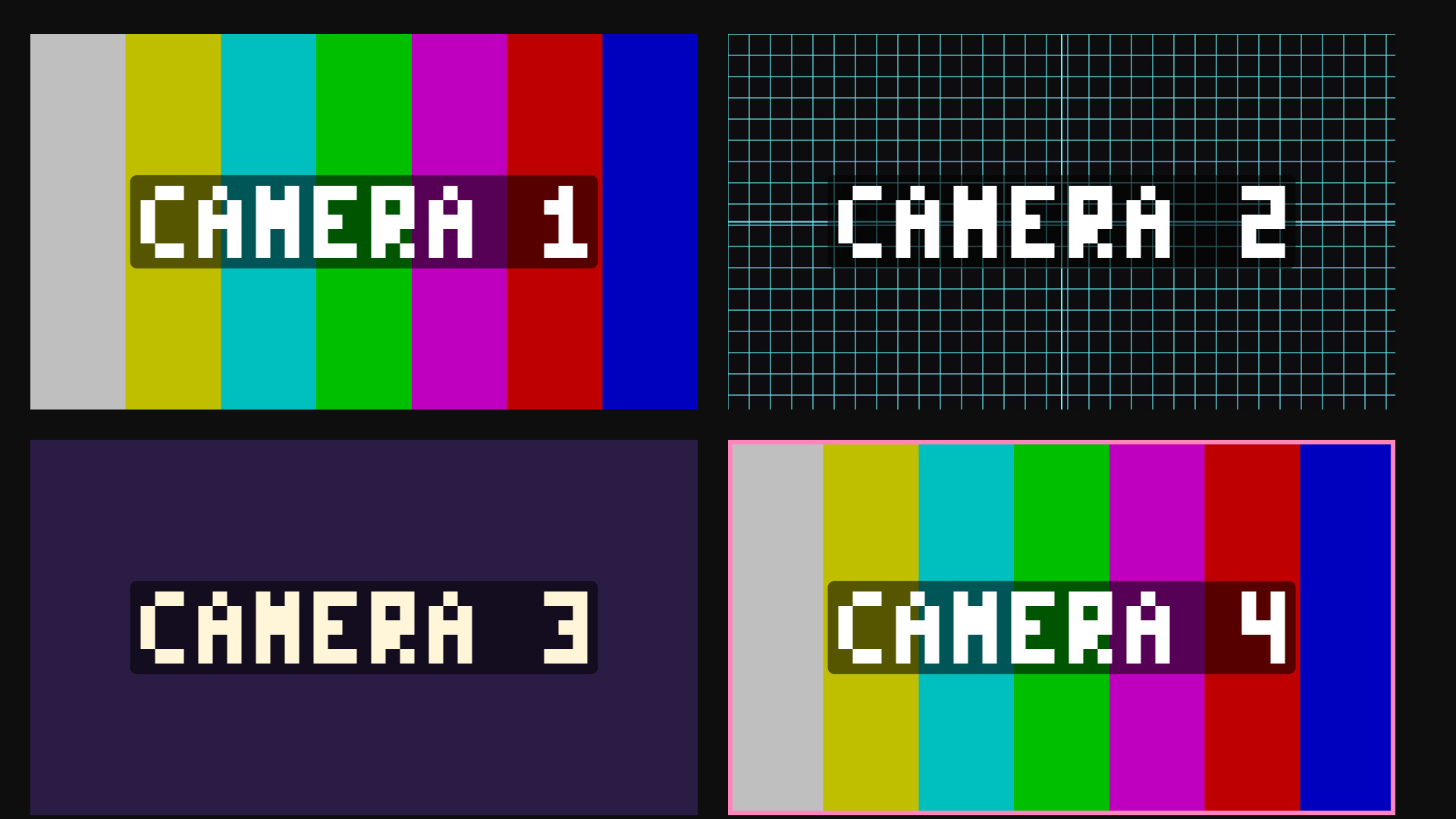
  • Tile an OBS source or a PNG as the cell, with aspect presets so nothing gets squashed
  • Separate textures for the second shape, so you can tile two different sources side by side

Pick a shape, set the density

Each cell of the grid draws one shape. Density sets how many cells fit across the frame, Size sets how much of its cell each shape fills, and Padding adds a gutter so they do not touch.

Mix With adds a second shape that some cells pick at random, so a field of dots gets rings scattered through it without you placing anything.
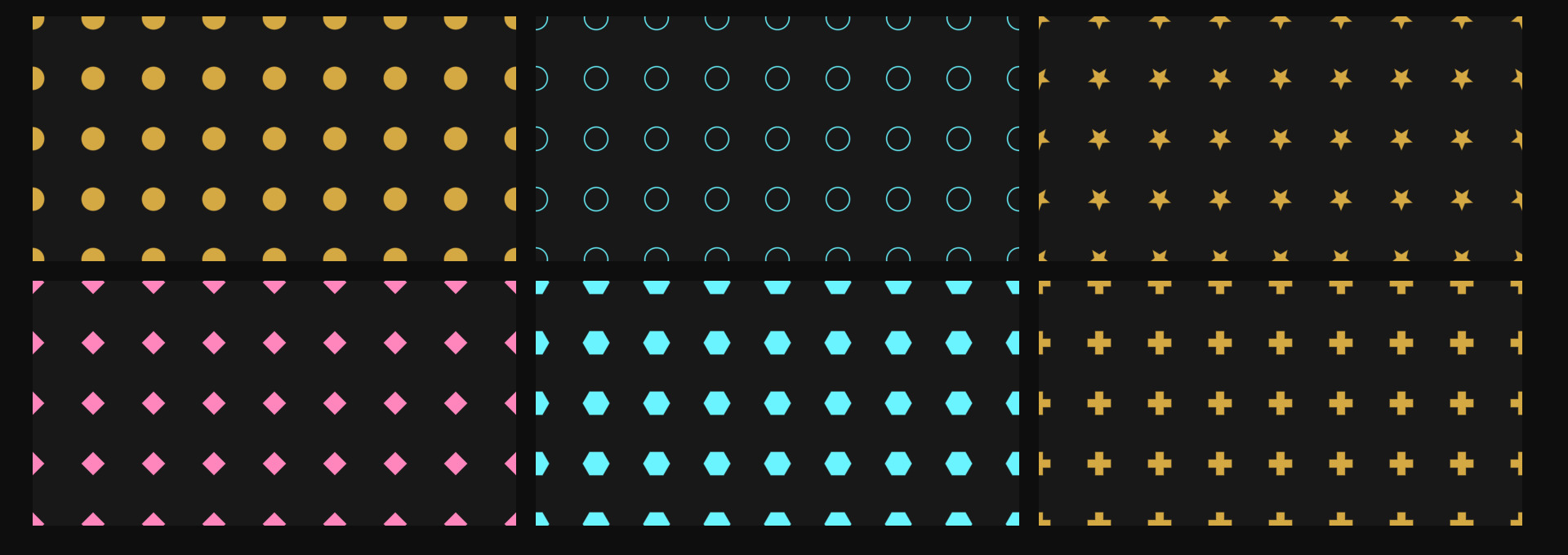
Six of the shapes, each tiled at the same density.

Variation stops it looking like wallpaper

A flat grid reads as a texture. Turn on Visibility, Size Variation, Rotation Variation and Hue Variation and each cell gets its own identity, so the same shape reads as a scattered field instead.

Pattern Seed reshuffles the whole arrangement without touching density, so if one layout looks off you nudge the slider until it does not.
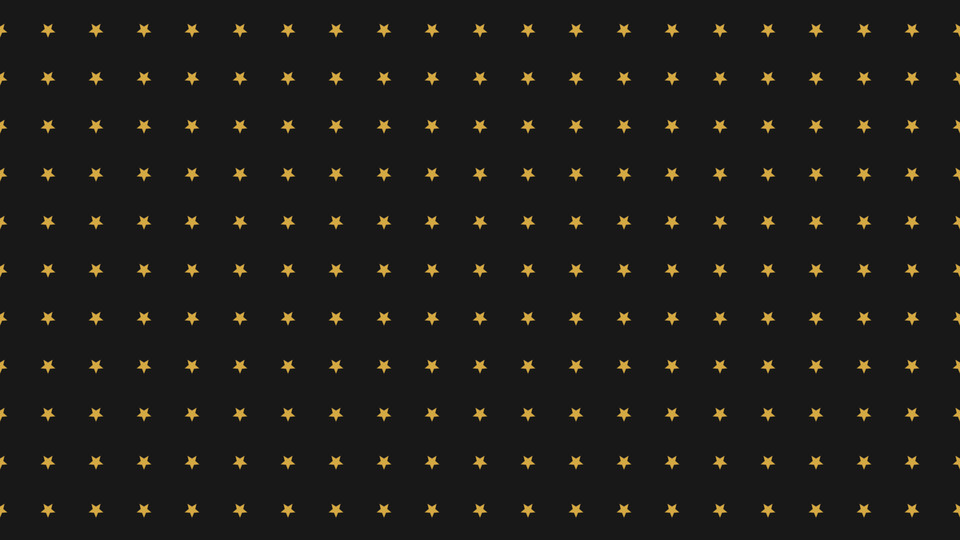
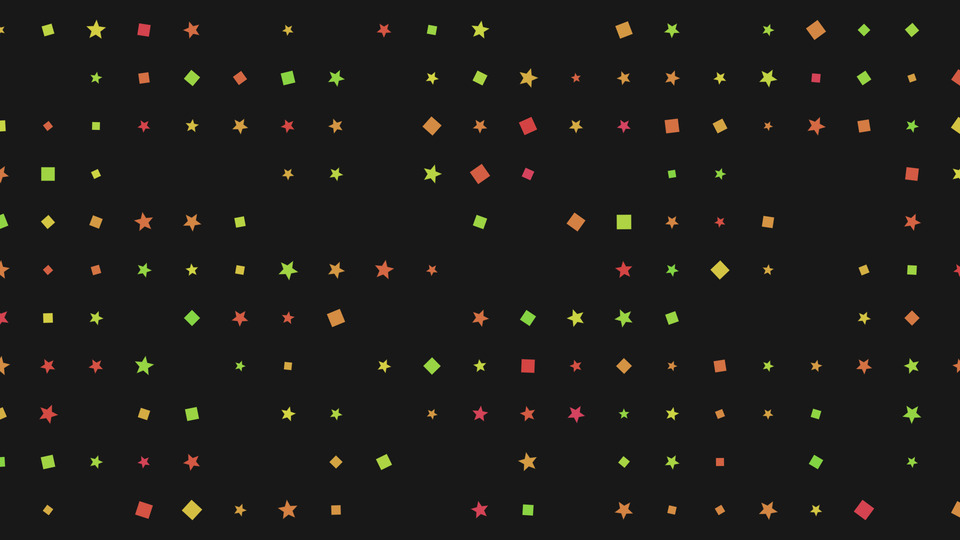
One shape, one size, one colour.
The same grid with visibility, size, rotation and hue variation turned up.

Cut the shapes out instead of painting them

Cutout mode inverts the job. Instead of drawing the shapes on top of the background, it makes them transparent holes and paints everything else, so the layer underneath shows through the pattern.

Use it as a mask over a video, a gradient or another scene.
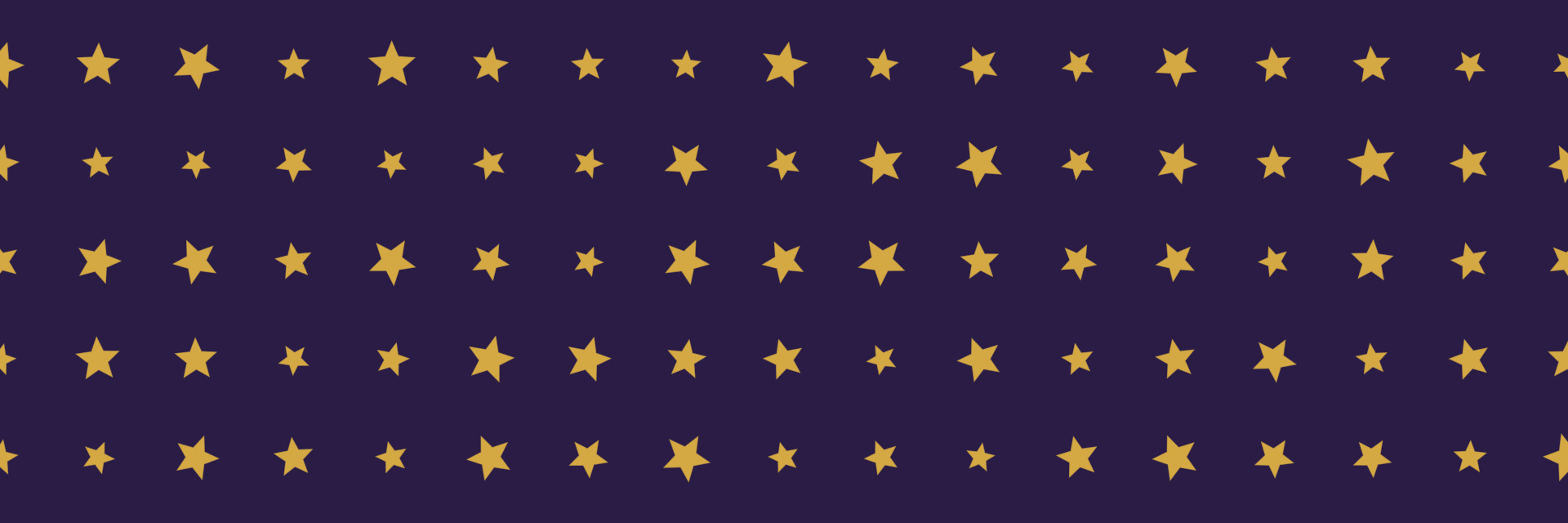
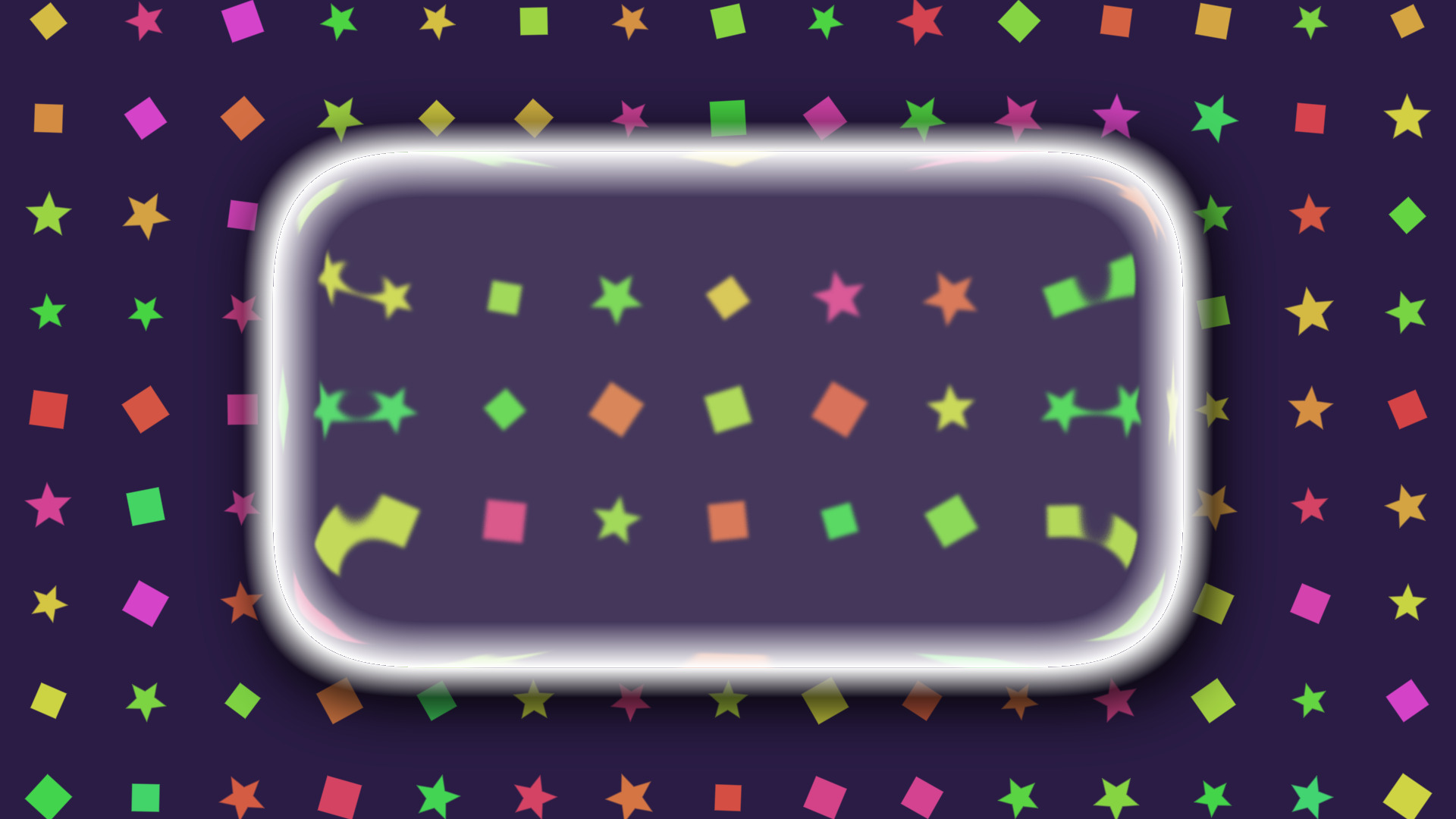
Cutout mode over a solid colour, so the stars are holes rather than paint.

Motion without a video file

Scroll the whole grid at any angle, wobble each cell on its own phase, pulse the sizes in and out, or twinkle cells on and off. All of it runs on the GPU from the filter, so there is no loop to render and no seam to hide.

It was built as the canvas for Starting Soon, Be Right Back and Ending screens, where something needs to move but nothing should pull focus.

obs-shaderfilter by Exeldro, installed. Apply to a Colour Source, or to any source if you turn Paint Background off

History

Patch notes

v0.0.6
  • Separate Mix Textures, so the second shape can use its own OBS source or PNG instead of sharing the primary pair
  • Second manual aspect ratio slider, for that second texture slot
v0.0.5
  • A scrolling pattern snapped once per cell of travel, so visibility, hue, size and twinkle all jumped on a regular beat. Static layouts are unchanged
v0.0.4
  • Fixed motion and randomisation drifting into sync after hours of runtime
  • Second Shape Colour, so the mix shape no longer has to inherit the primary
  • Pattern Seed slider, reshuffles the layout without touching density
  • Custom aspect ratio option on both aspect dropdowns
v0.0.3
  • Aspect dropdowns on the texture shapes, so a 16:9 webcam fills its cell exactly
  • Padding slider, for a gutter between shapes
  • Use Texture Colours, so an OBS source or a PNG keeps its own colours
  • Settings regrouped into Grid, Shape Mix and Motion
v0.0.2
  • Density scales from an anchor you set, defaulting to the centre rather than the top-left corner
  • Fixed shapes clipping at cell edges when drifting, pulsing or varying in size
  • Hue variation is independent of drift now, so low-drift cells are no longer stuck on low hue
v0.0.1
  • Animated pattern grid with 10 cell shapes, drift, pulse, scroll and twinkle, per-cell variation, background fill, vignette and shape mixing

Ready to try it?

Drop it on a source as a shader filter and it runs there. Nothing to sign into, nothing to keep open alongside it. Questions, ideas or something not working? We are in the Discord.

More for OBS

The rest of the family

The other StreamUP shaders. Each one its own download, with its own page.

DISCLAIMER

By downloading this product you agree to not redistribute AND/OR sell it for any profit whatsoever. Feel free to completely edit this product and change it for your needs. We do not offer support on any modifications.

Last updated: 20 September 2026